

App Store screenshots
in minutes
Screenshots are your first impression on the stores.
Better ones drive up to 60% more downloads.
Design yours in minutes.
Add at least one screenshot of your mobile app (1 credit each)
How it works
Upload your screenshots. AI designs. Edit everything
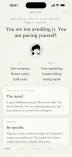
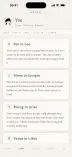
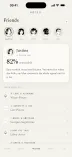
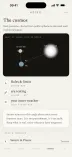
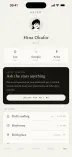
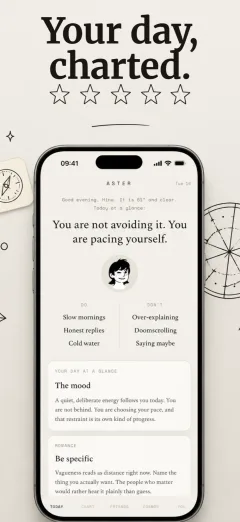
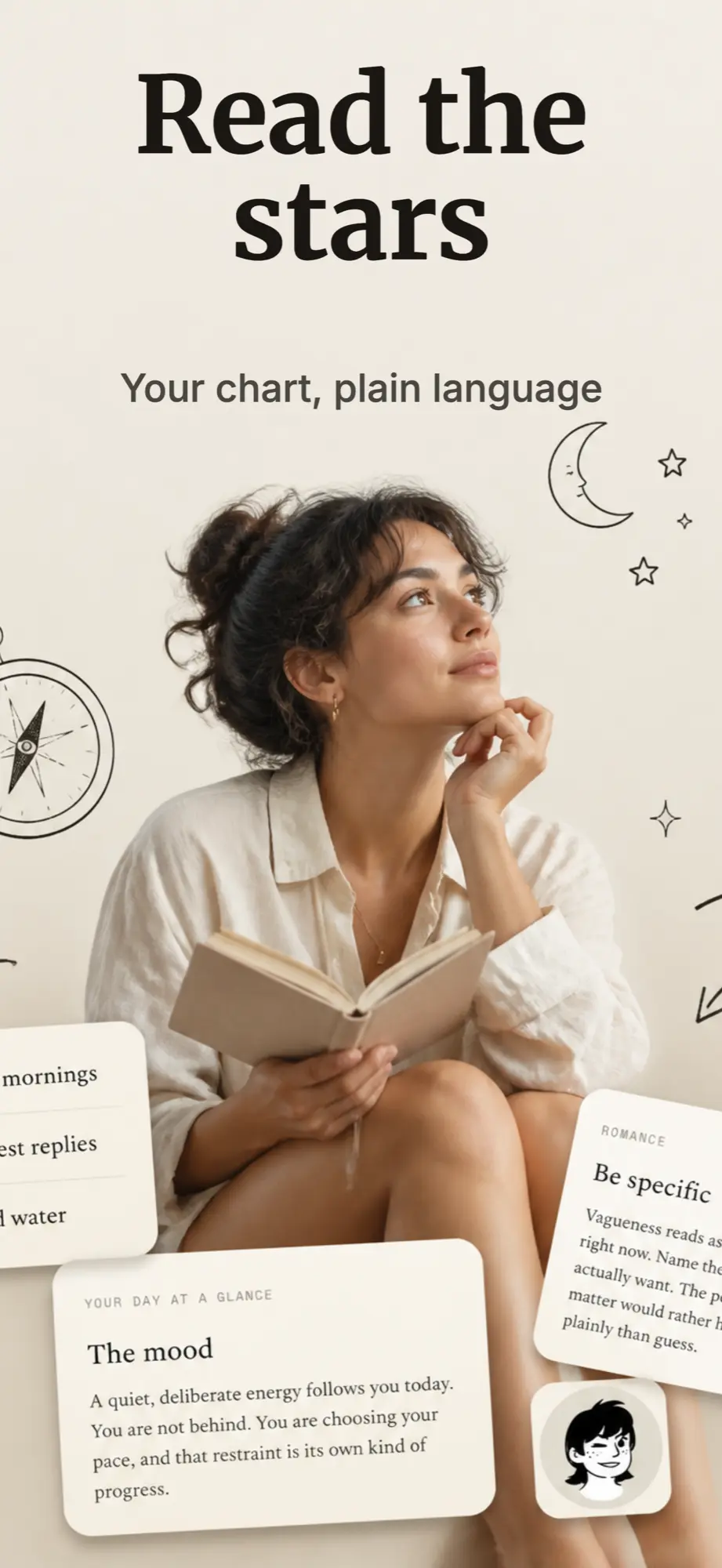
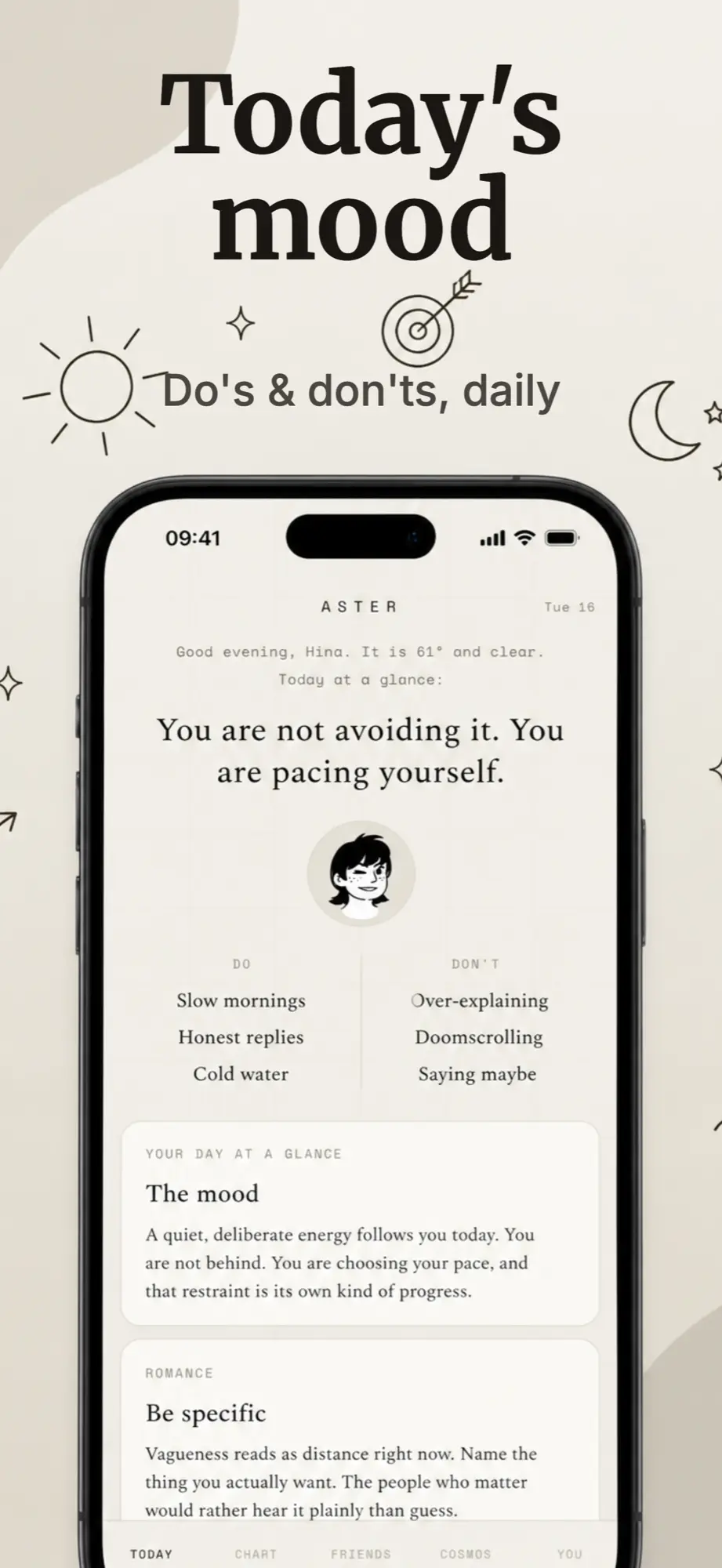
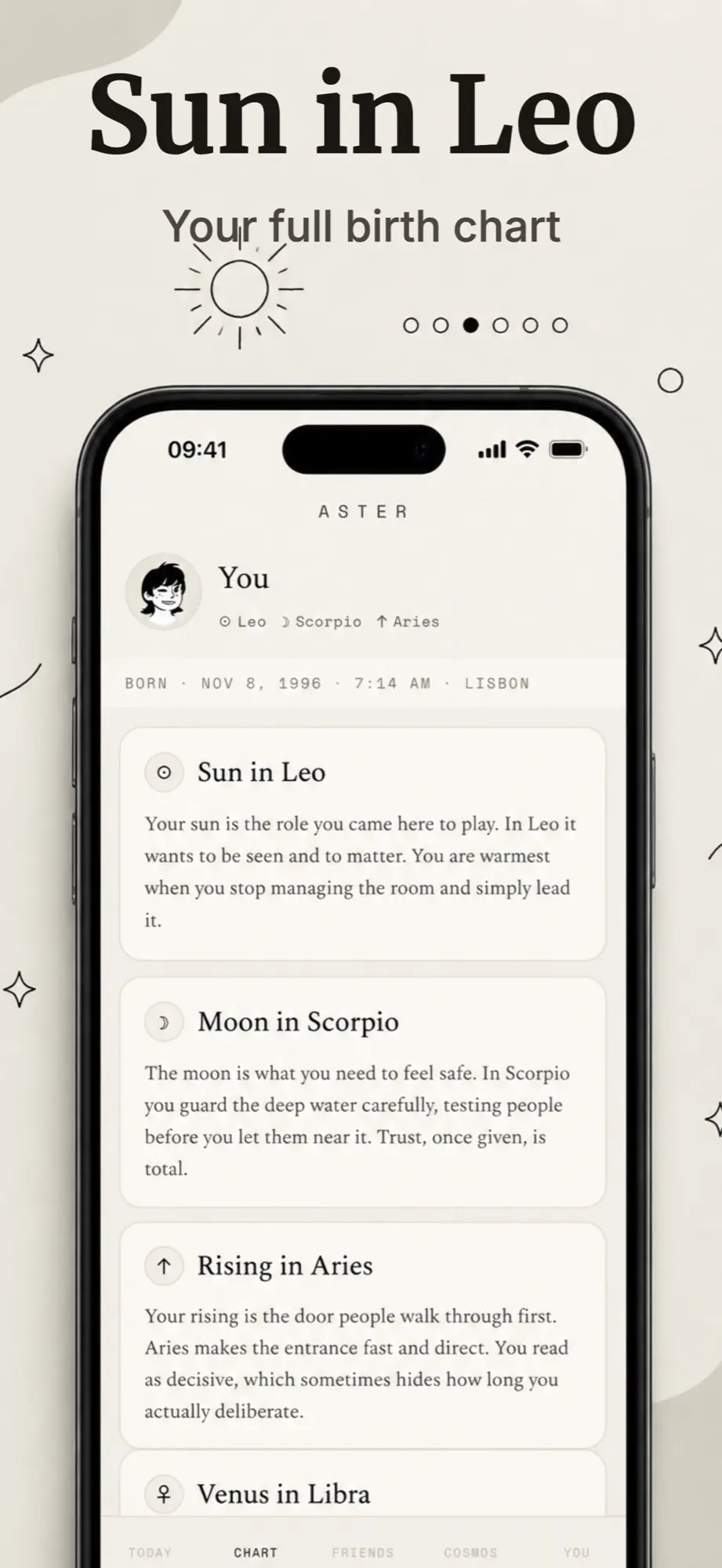
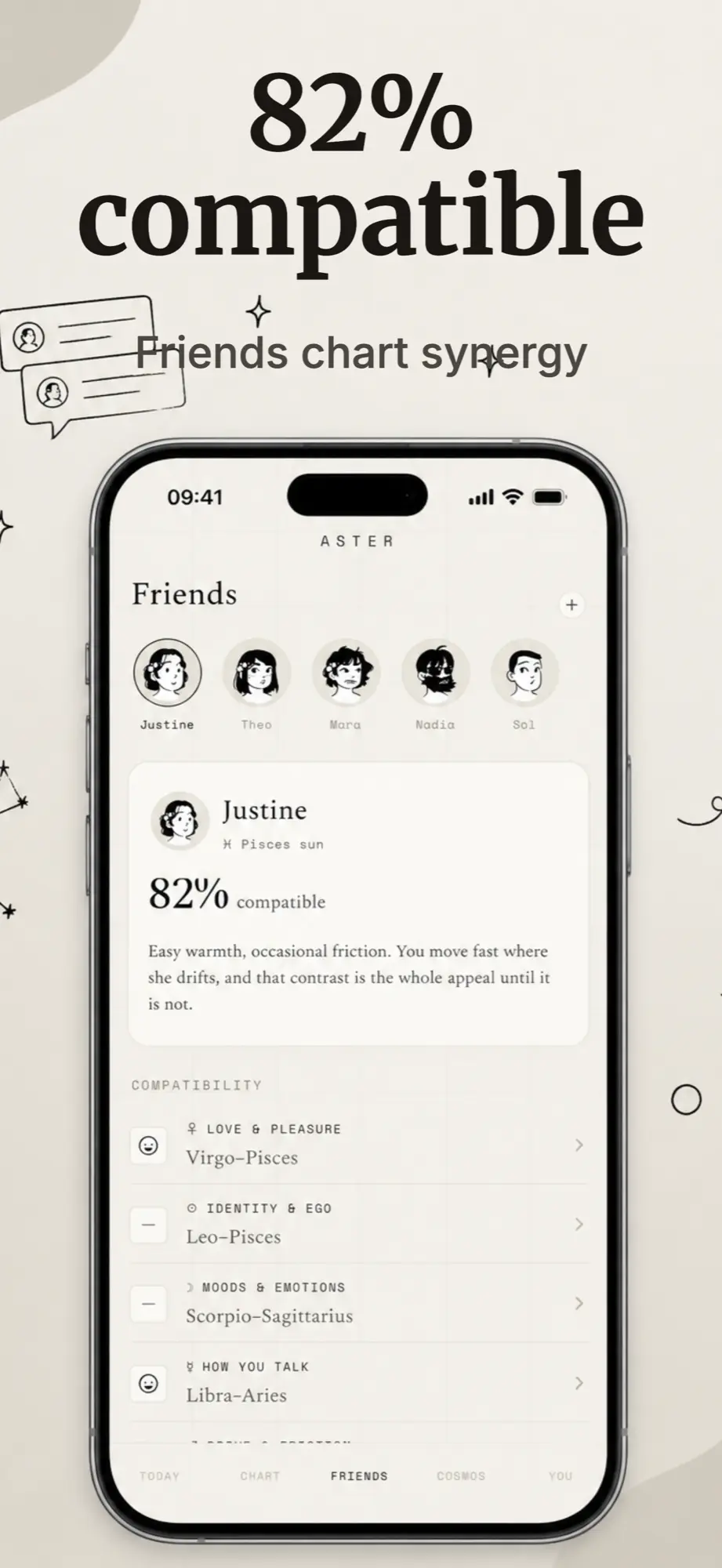
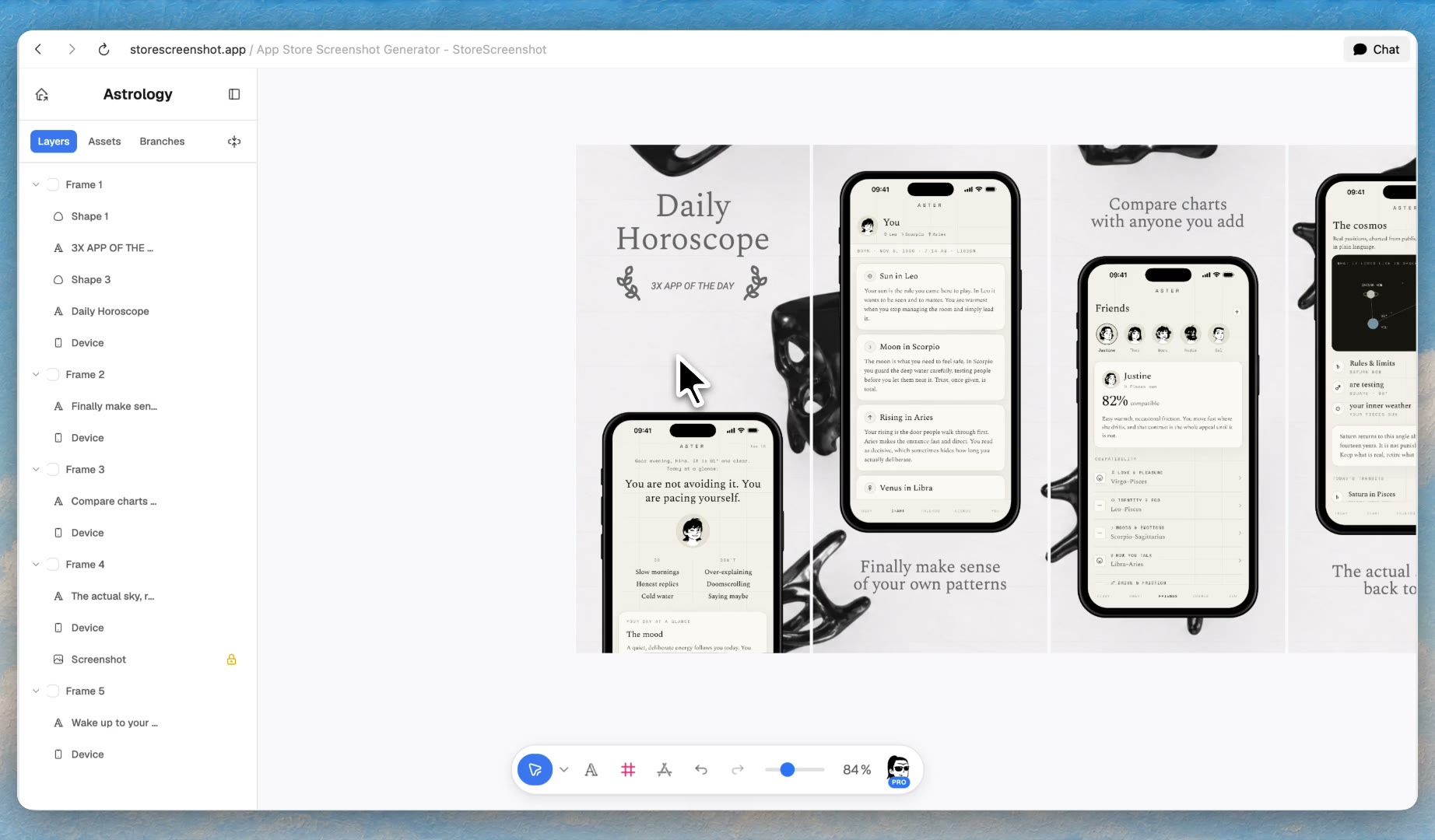
Describe your app and the vibe you want.An astrology app with a warm, hand drawn paper look
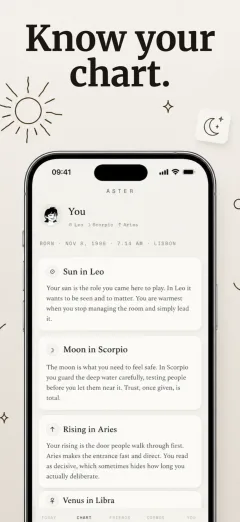
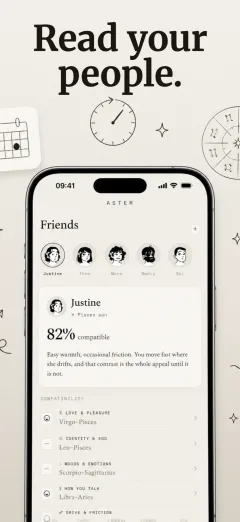
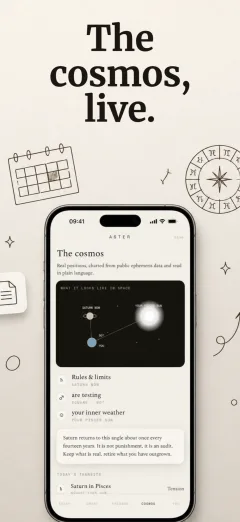
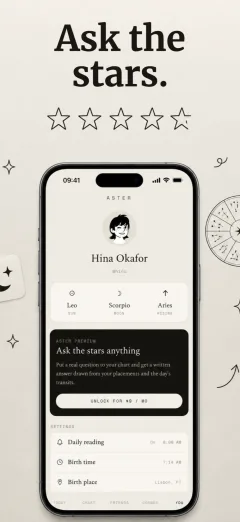
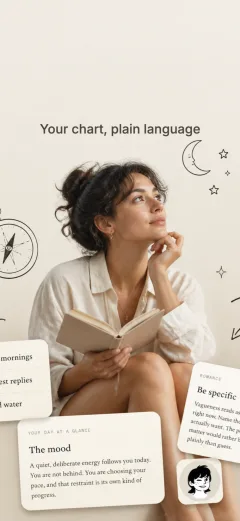
Read the
stars
Made with StoreScreenshot
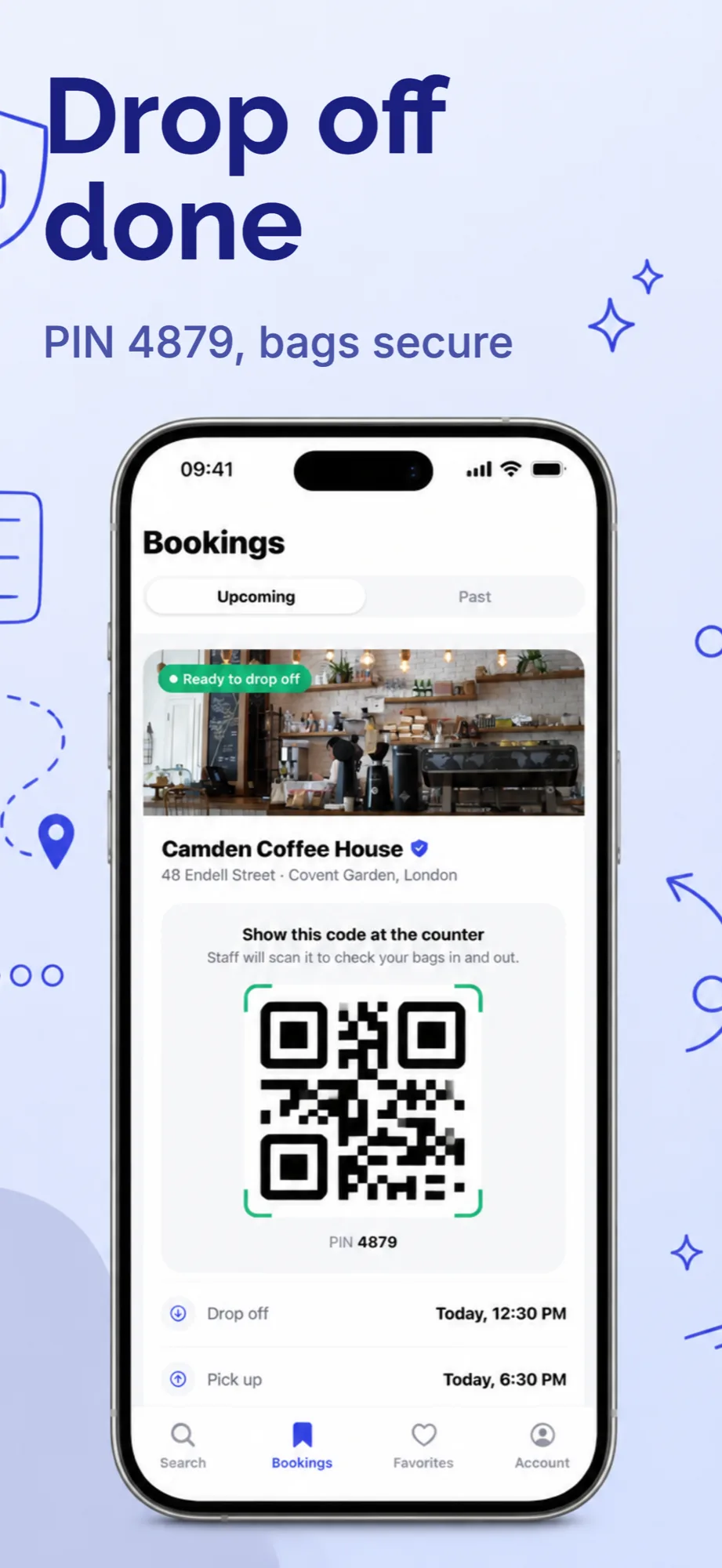
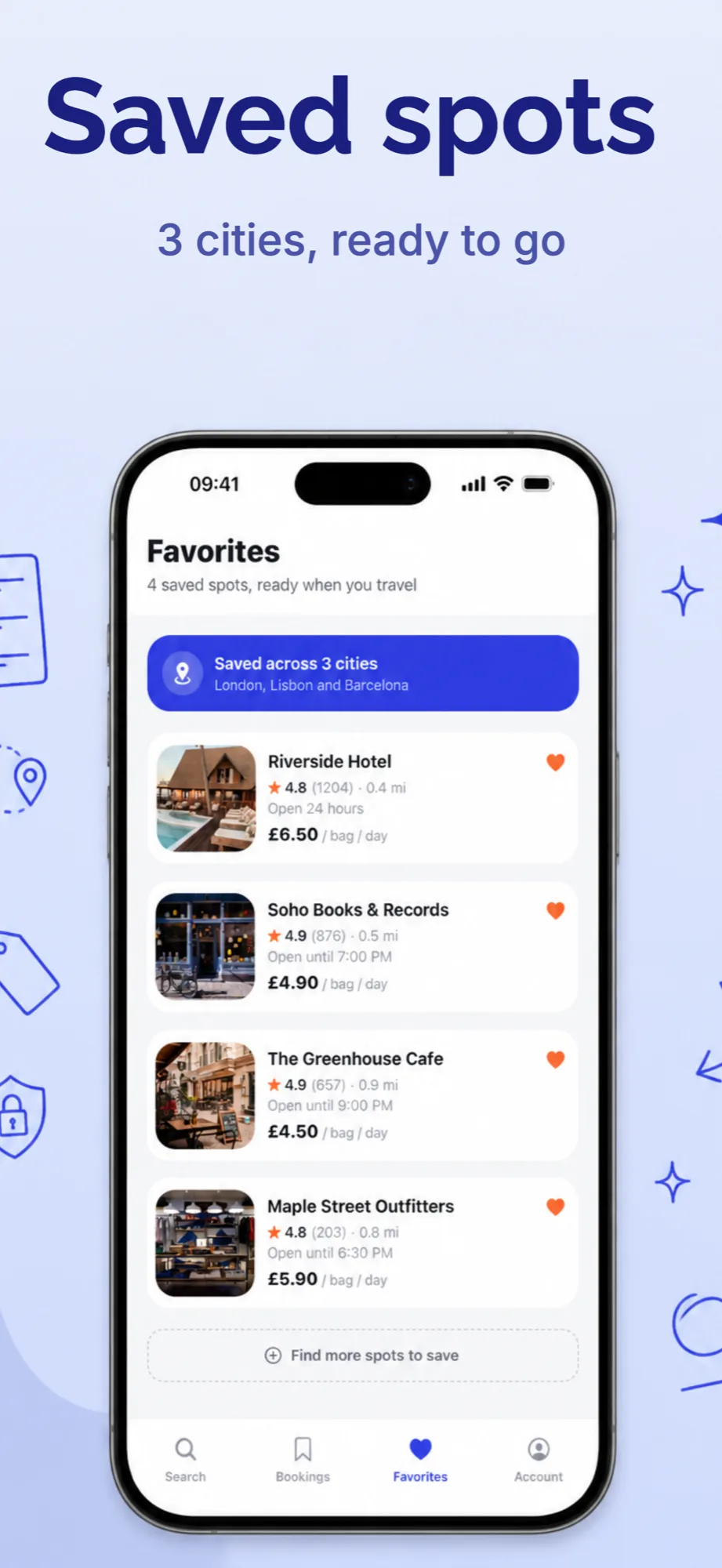
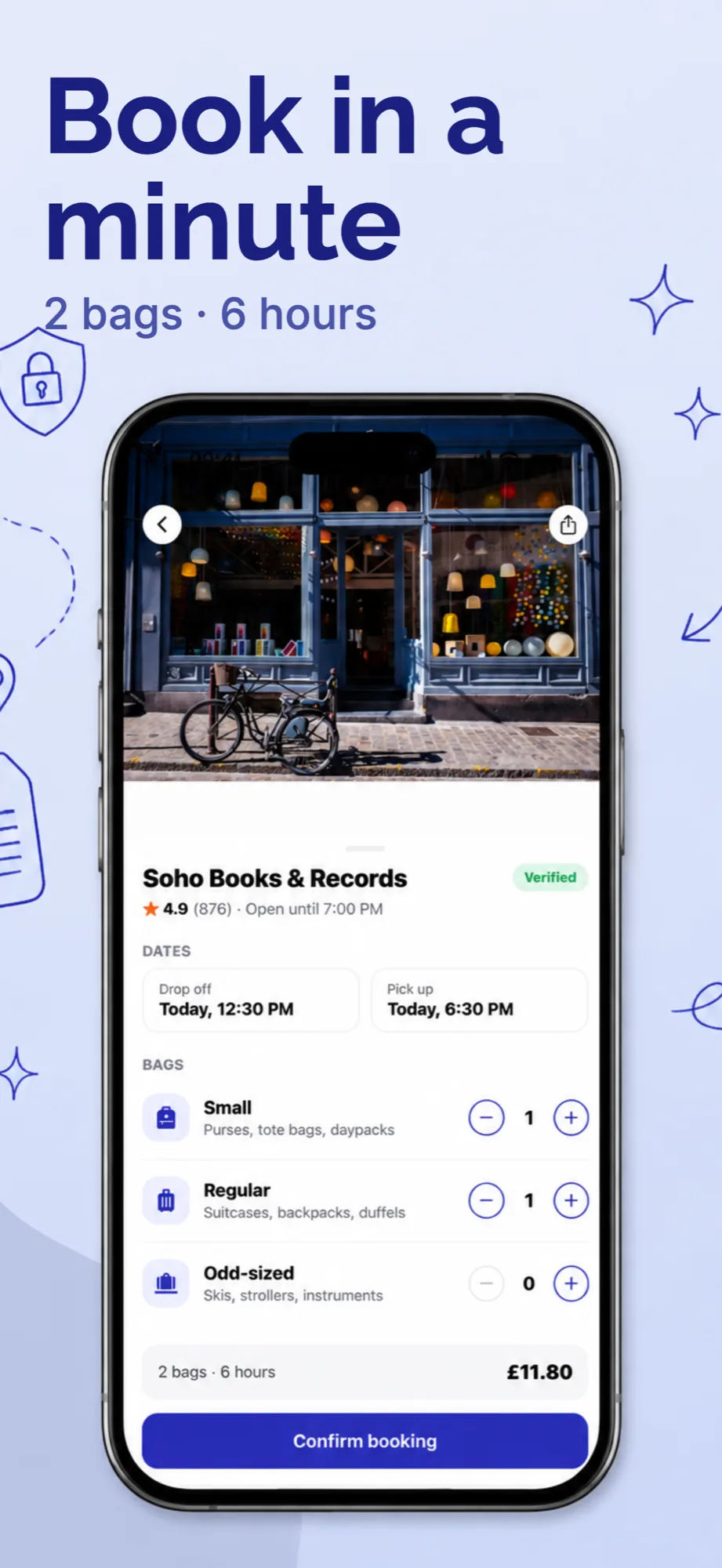
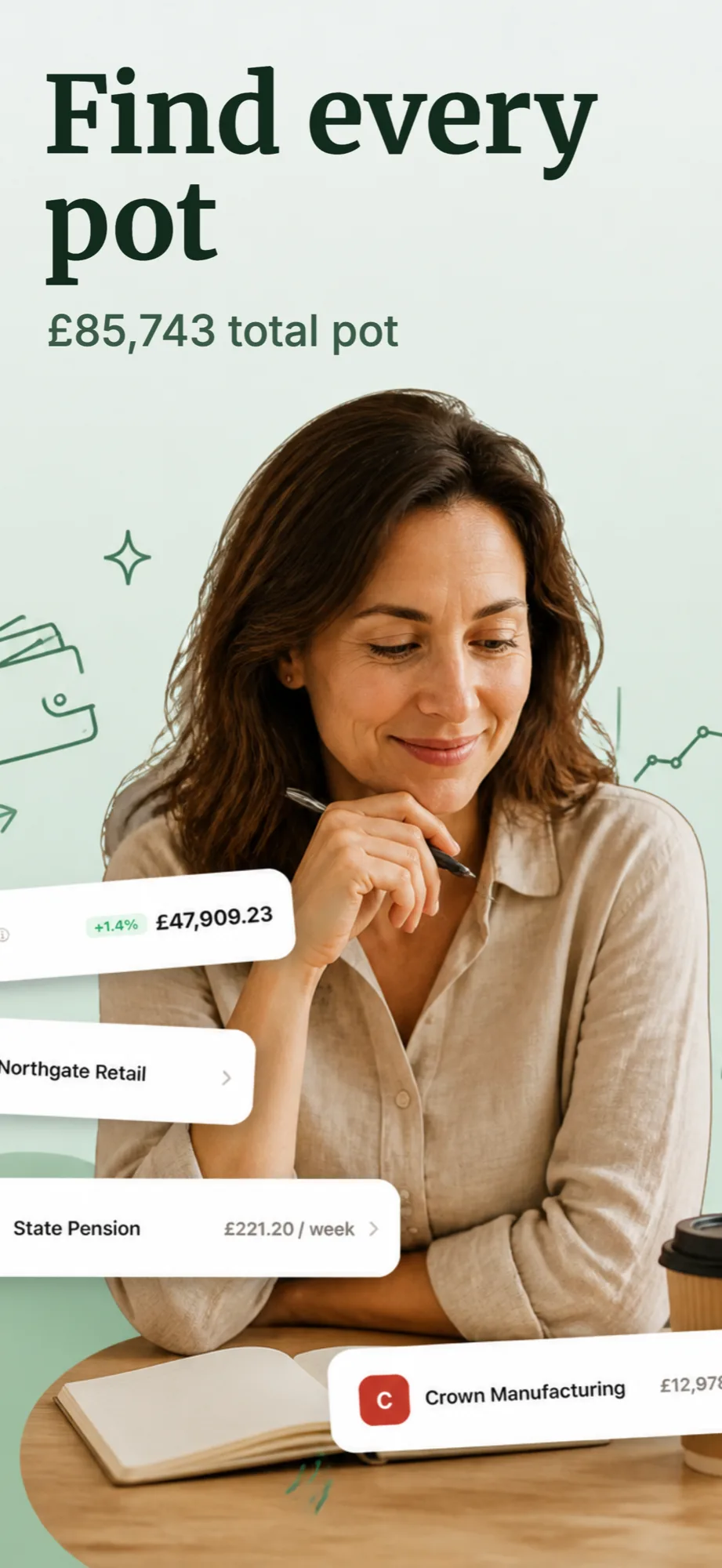
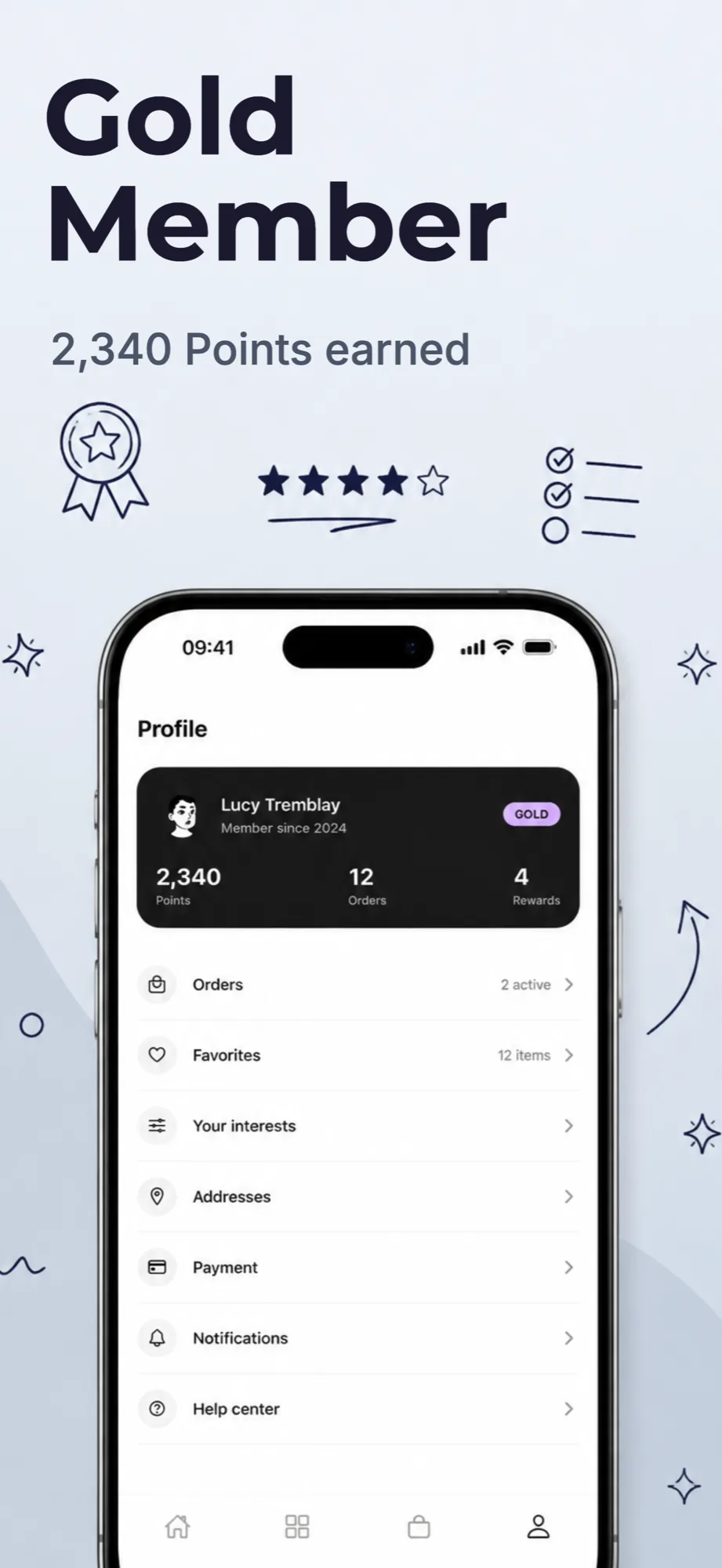
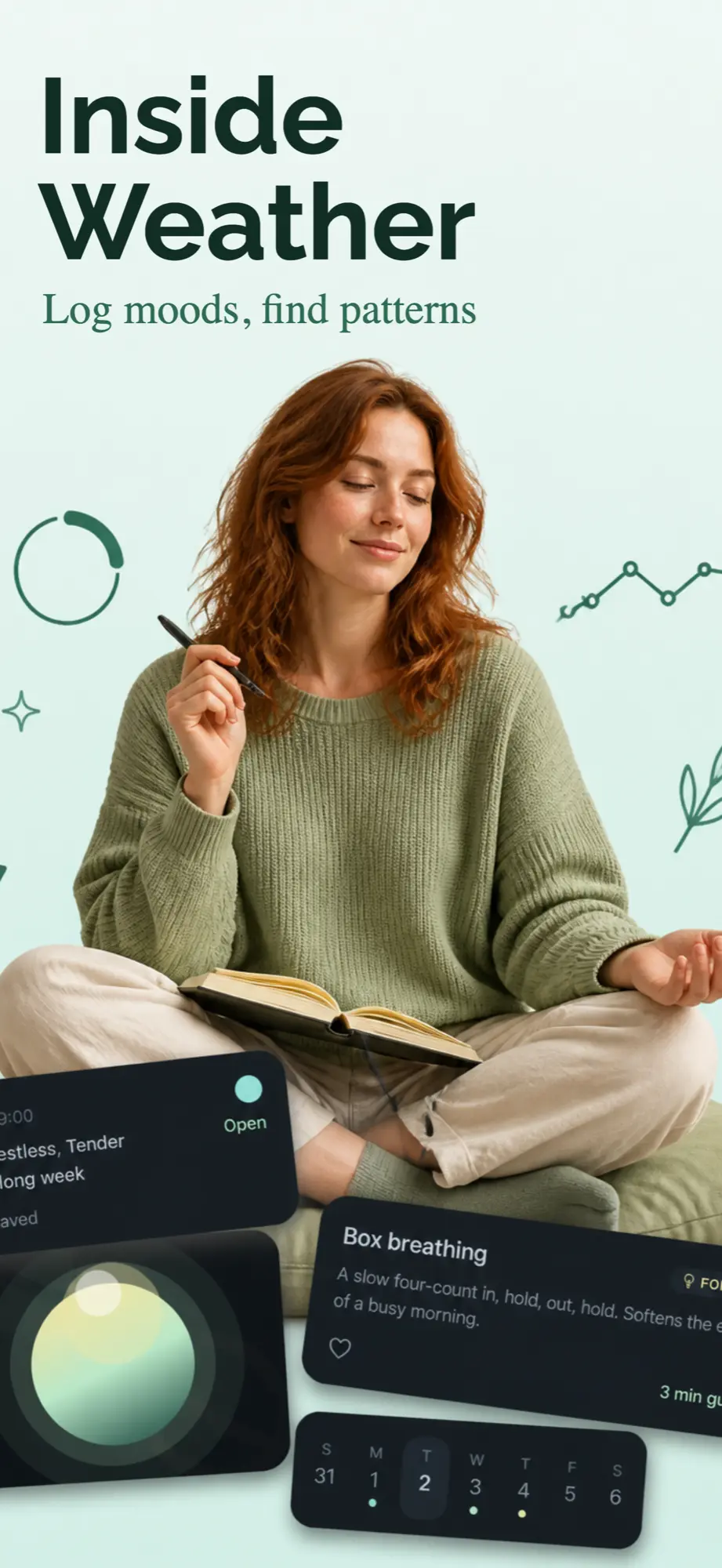
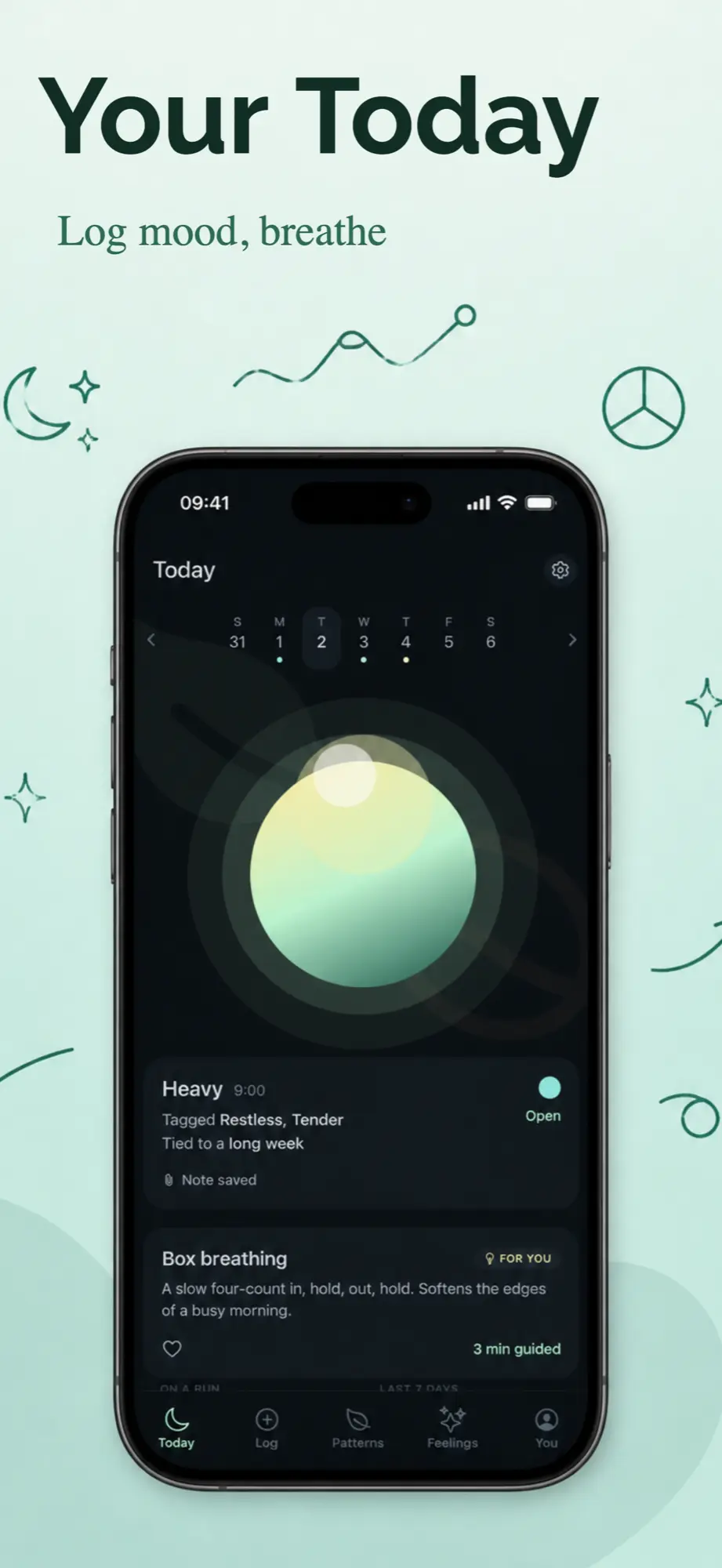
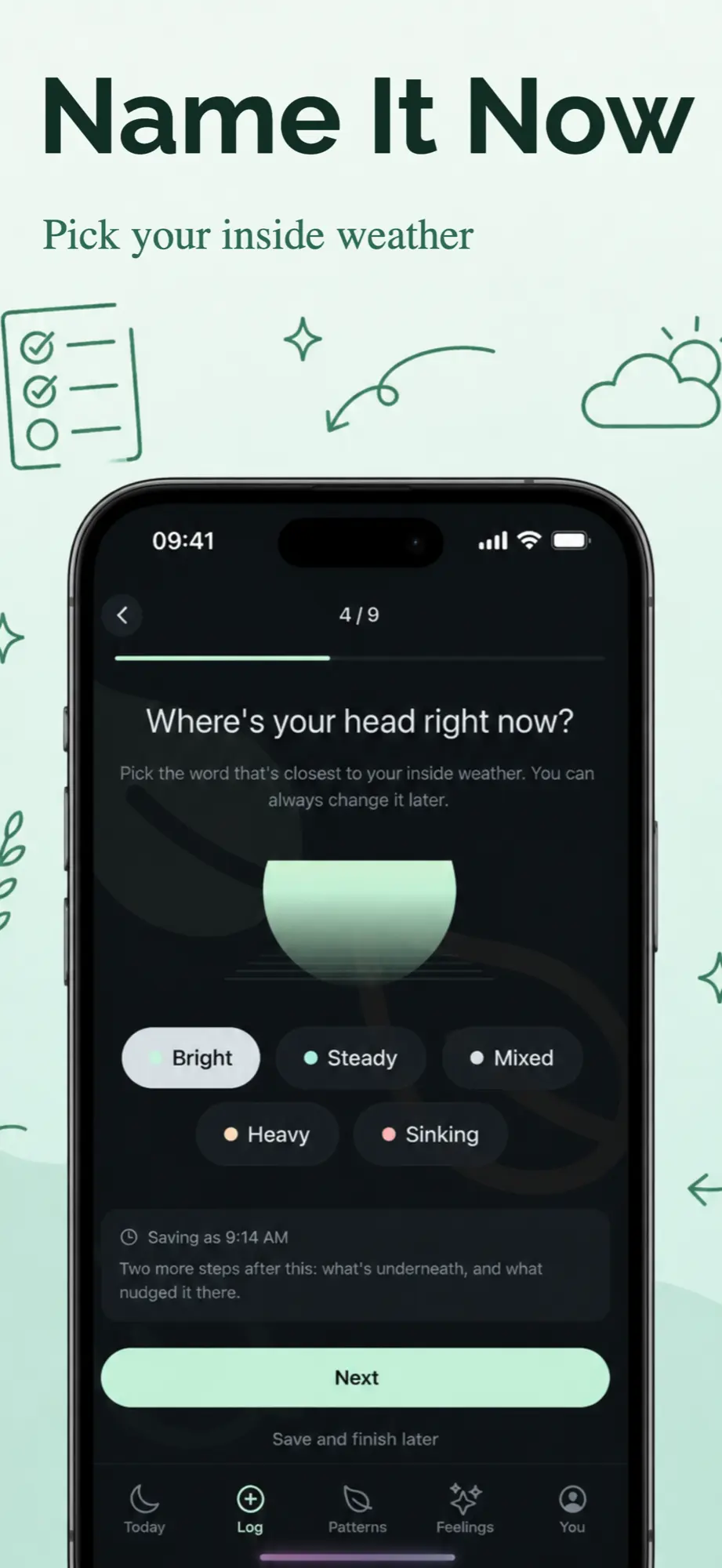
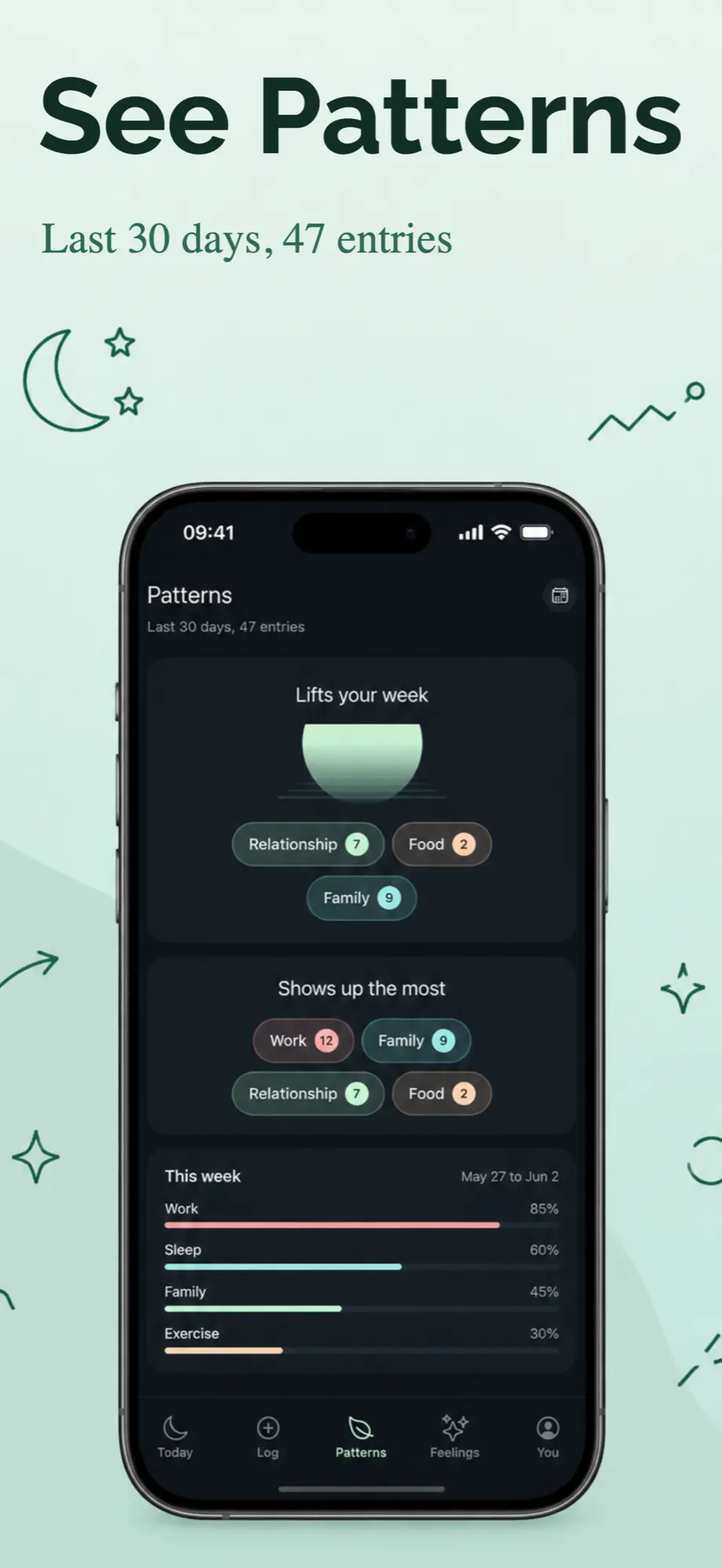
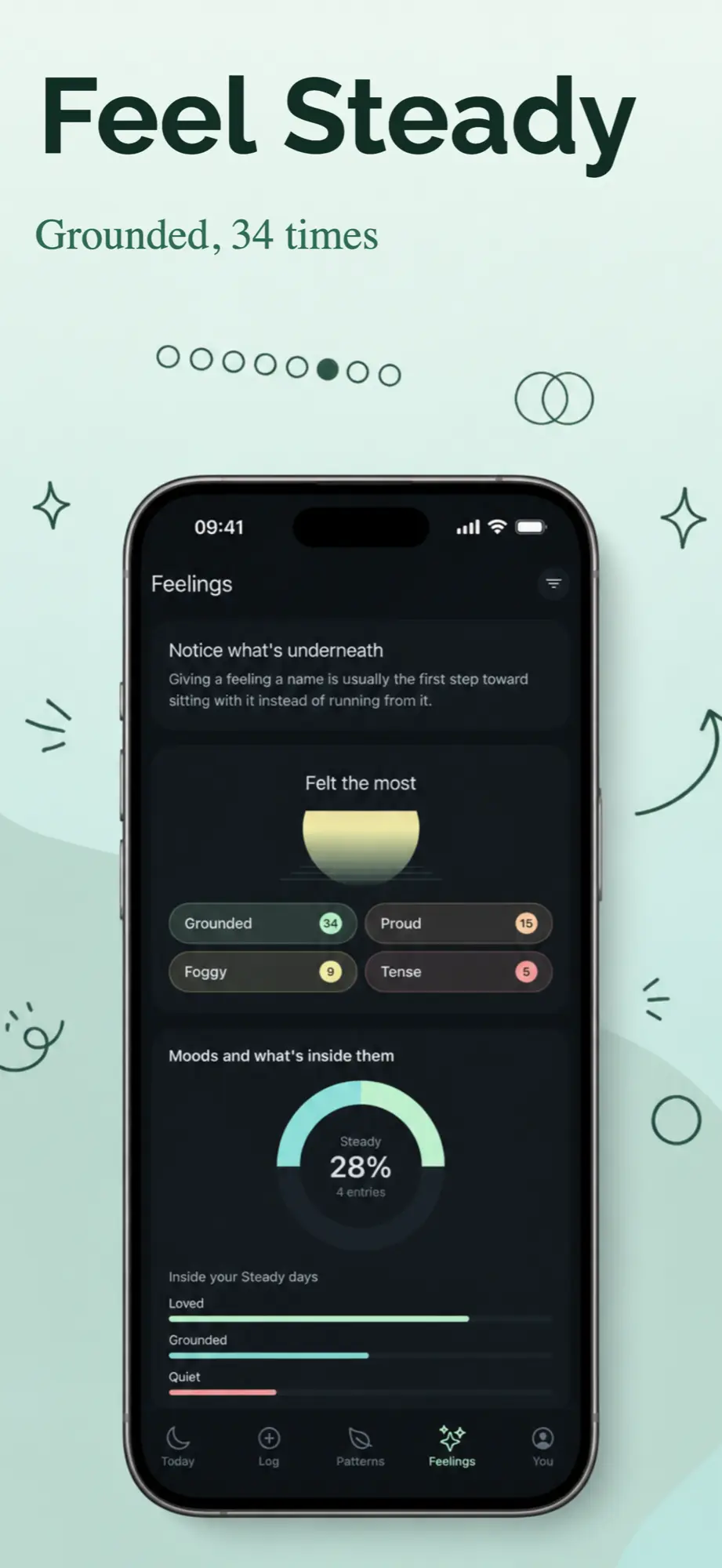
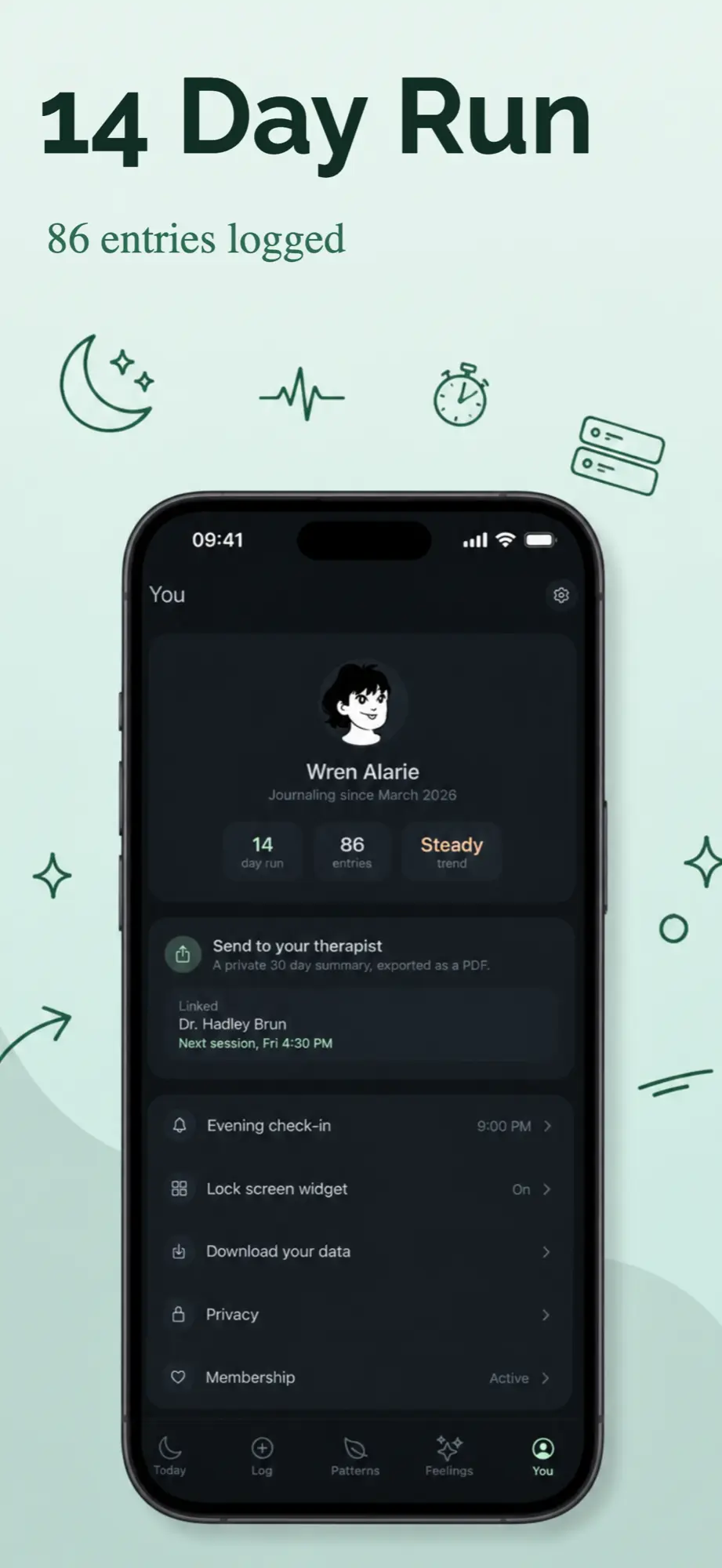
The app store screenshots below are AI generated
Edit or translate any text in the editor.
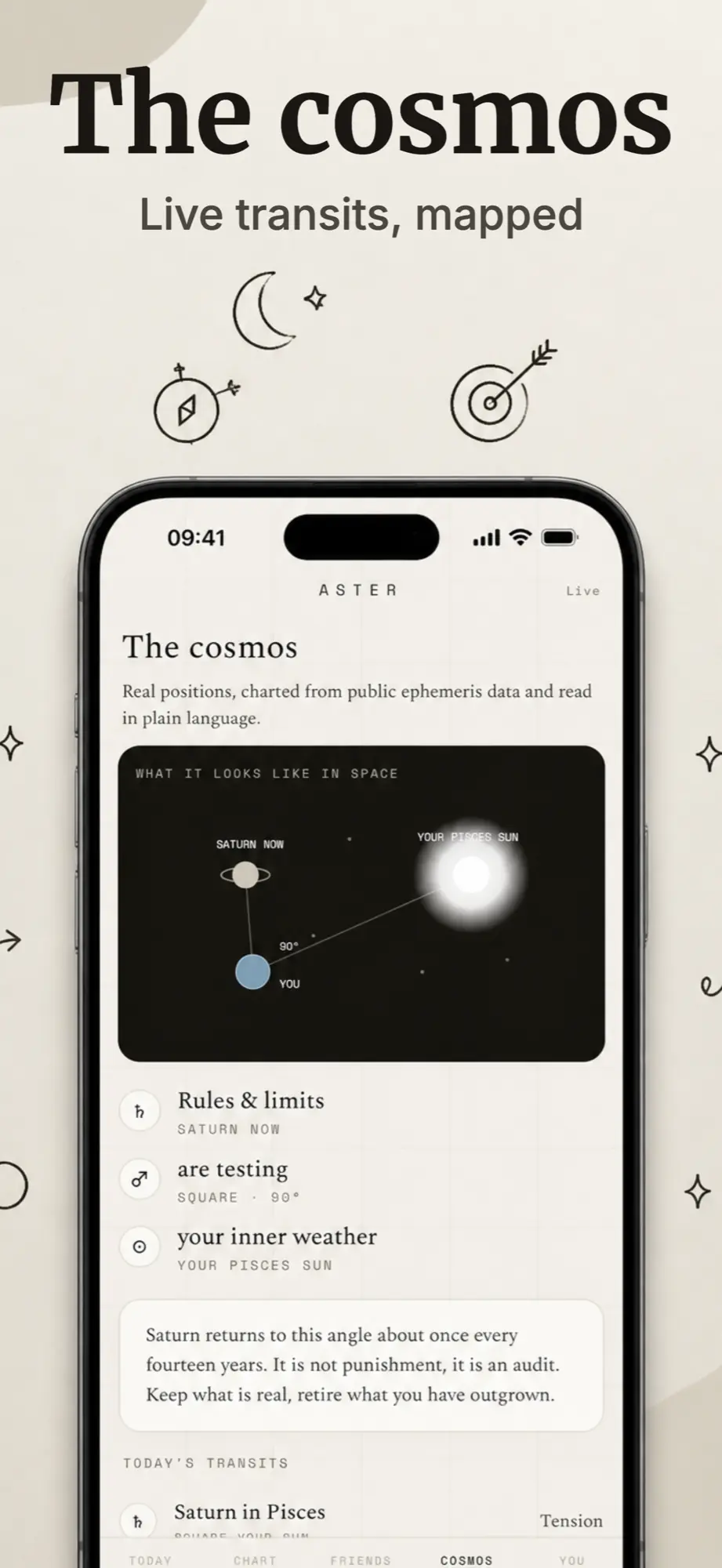
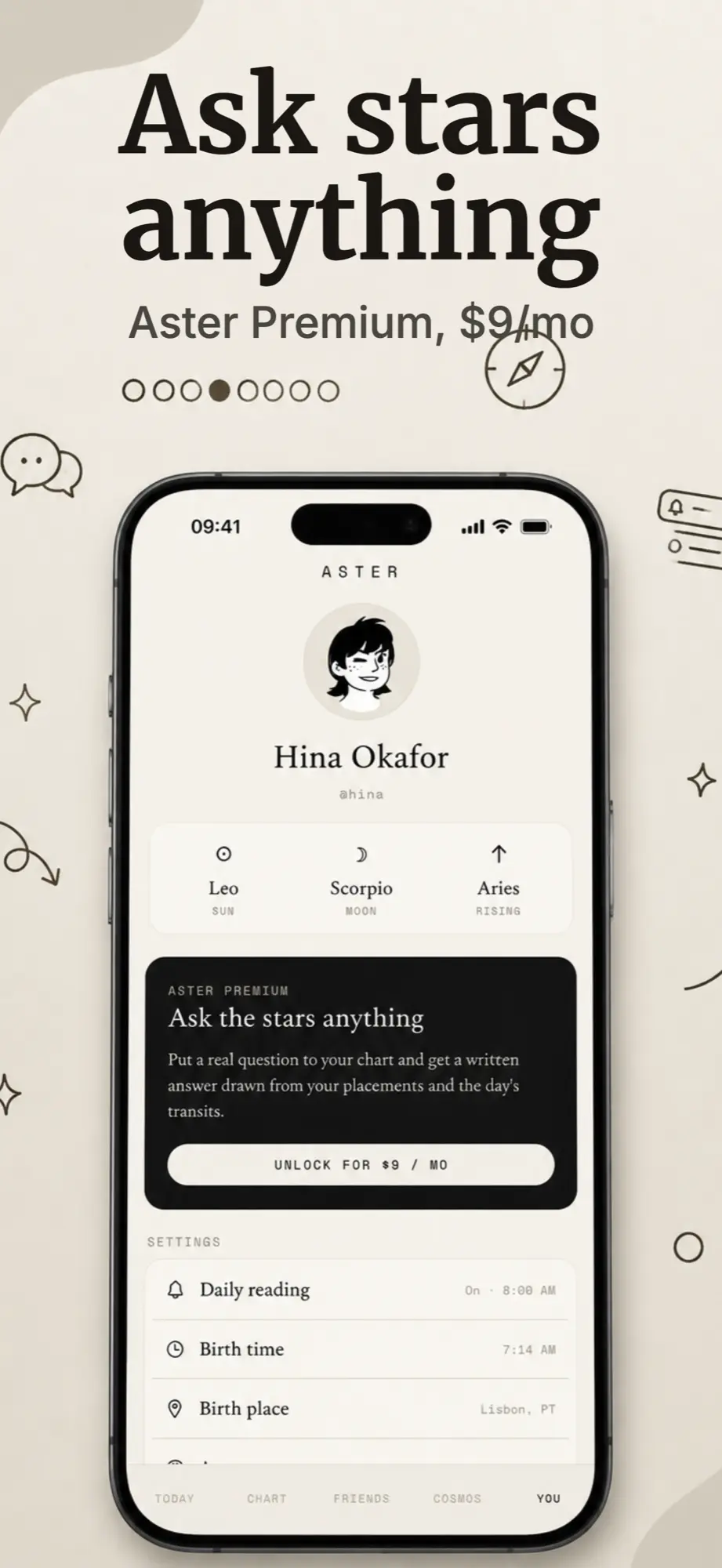
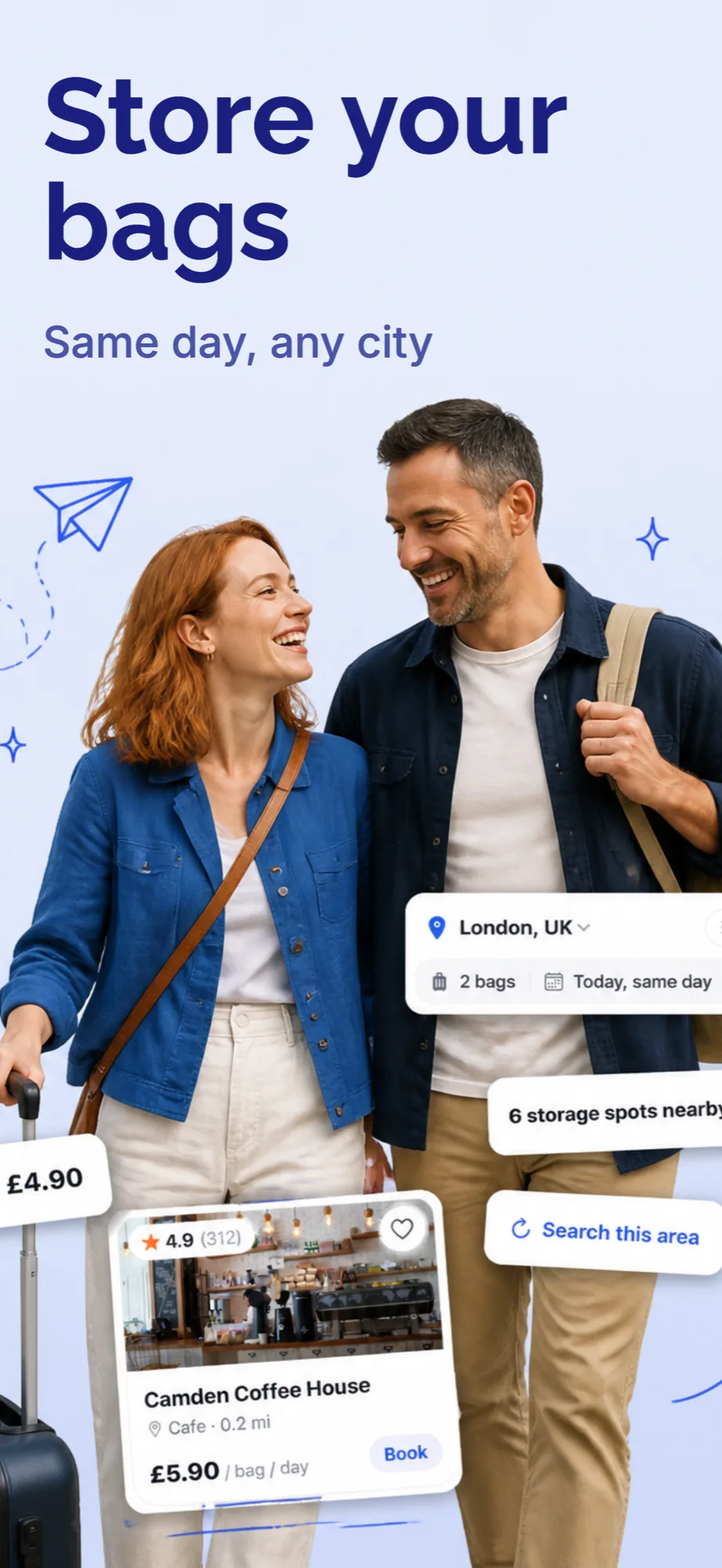
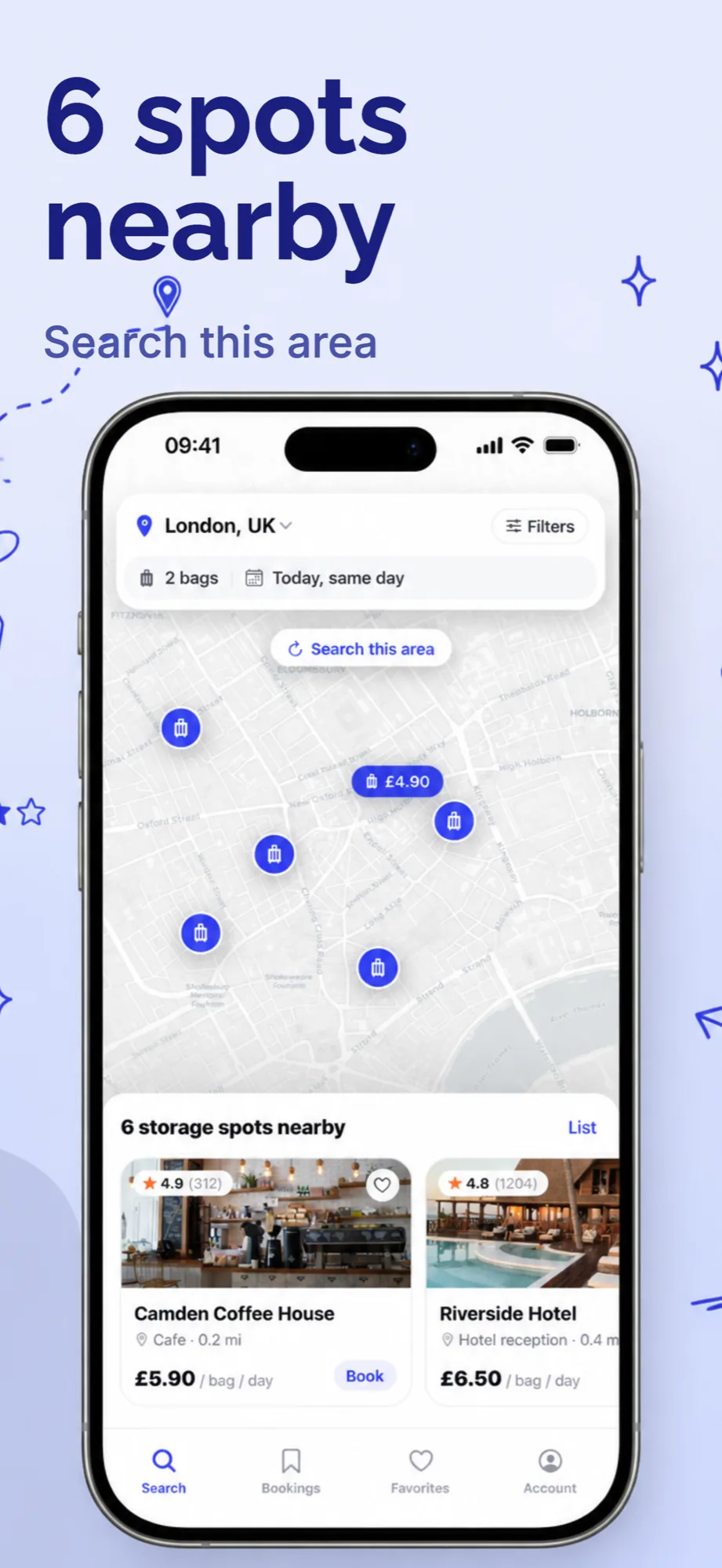
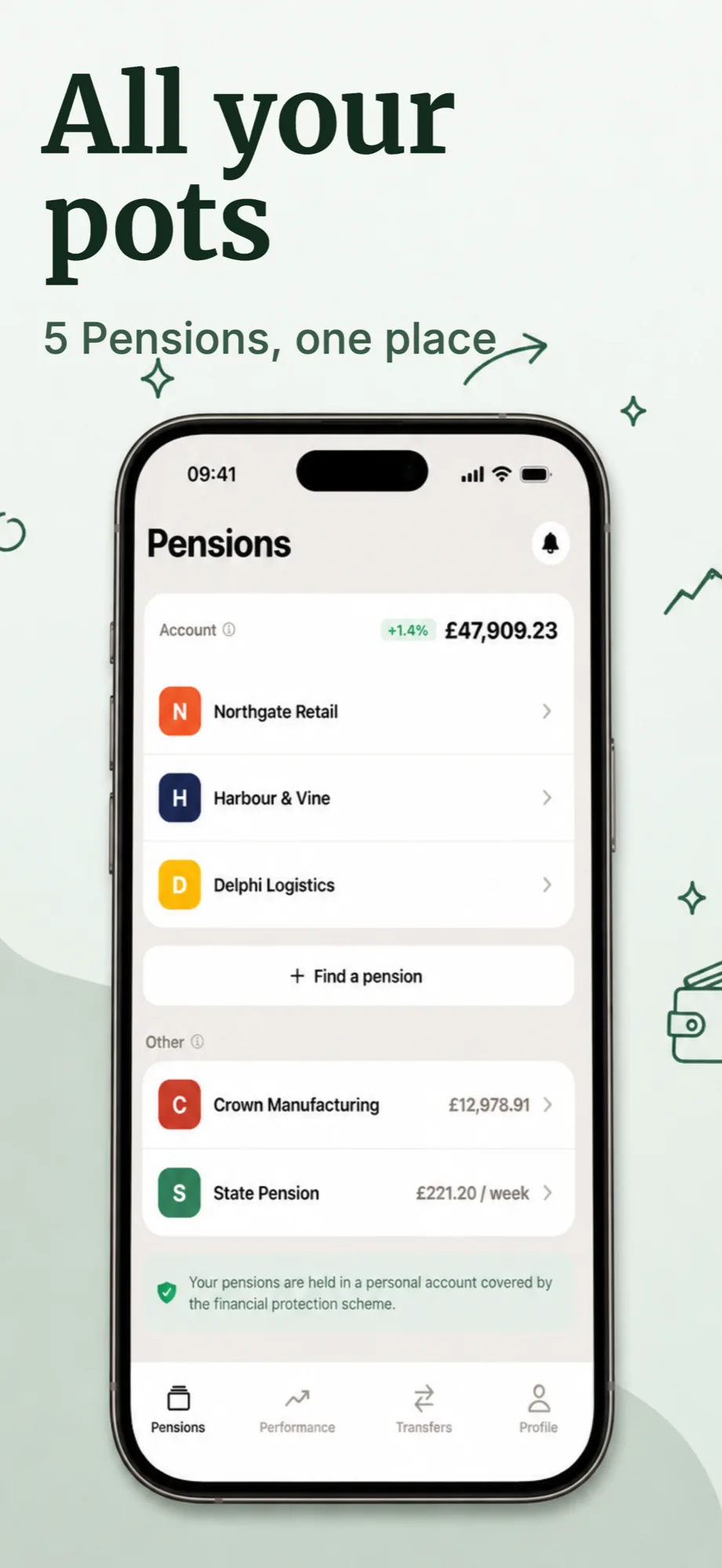
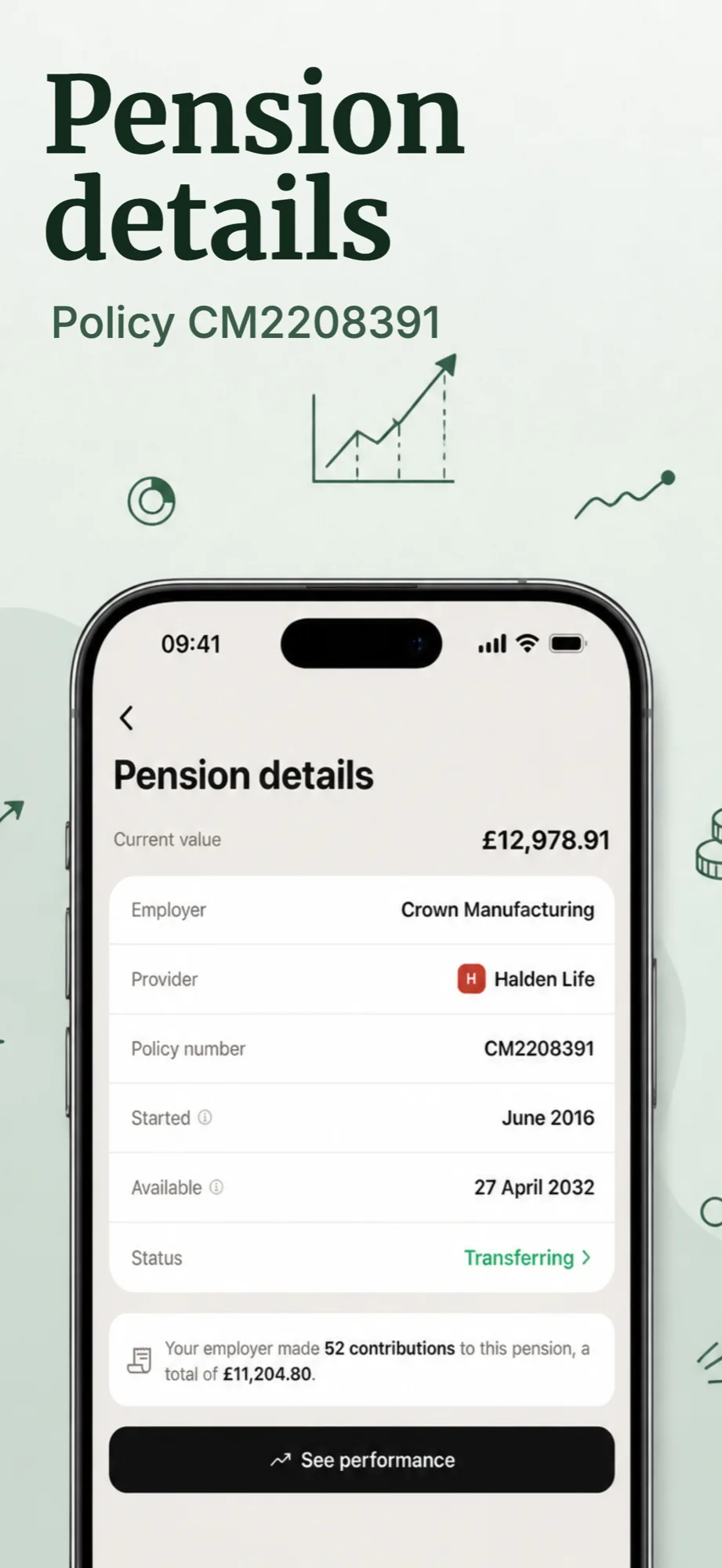
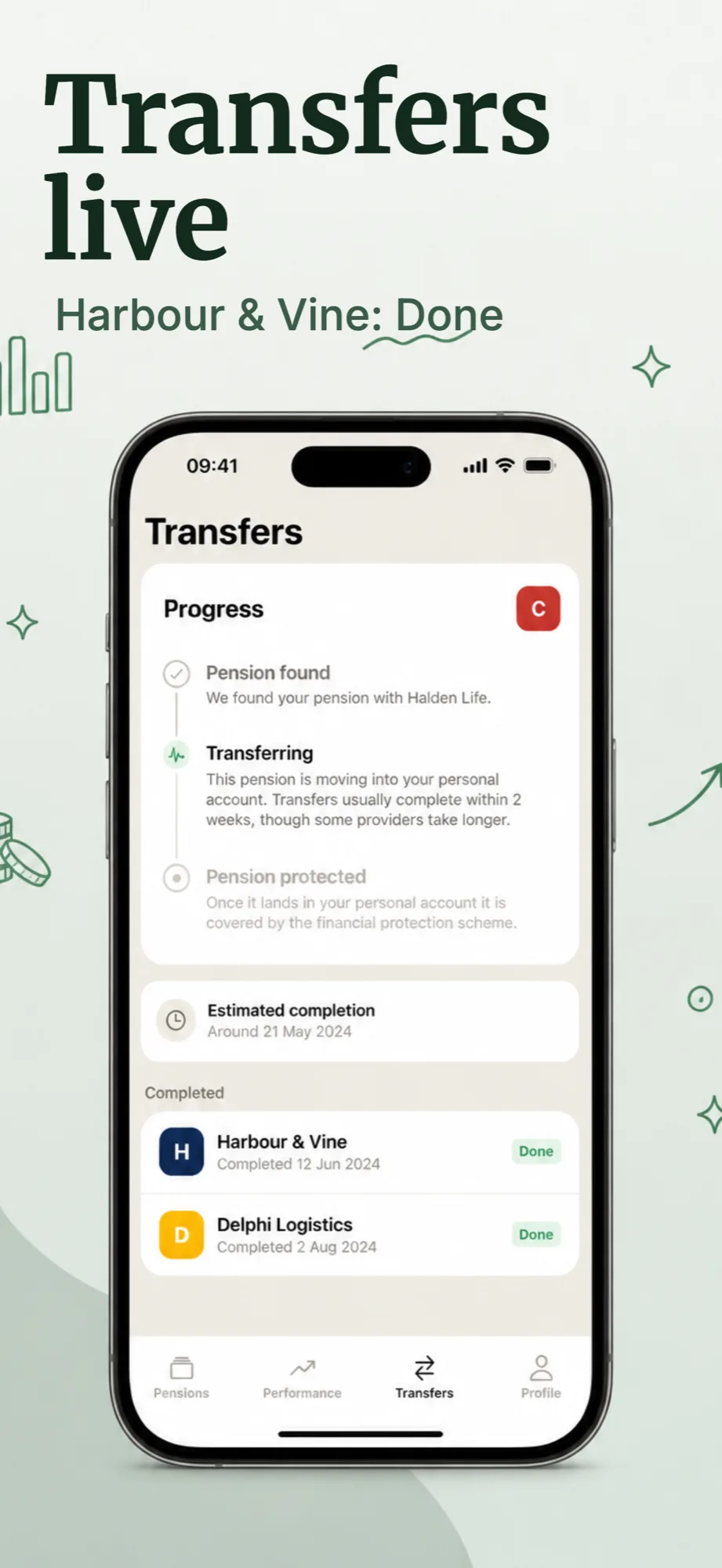
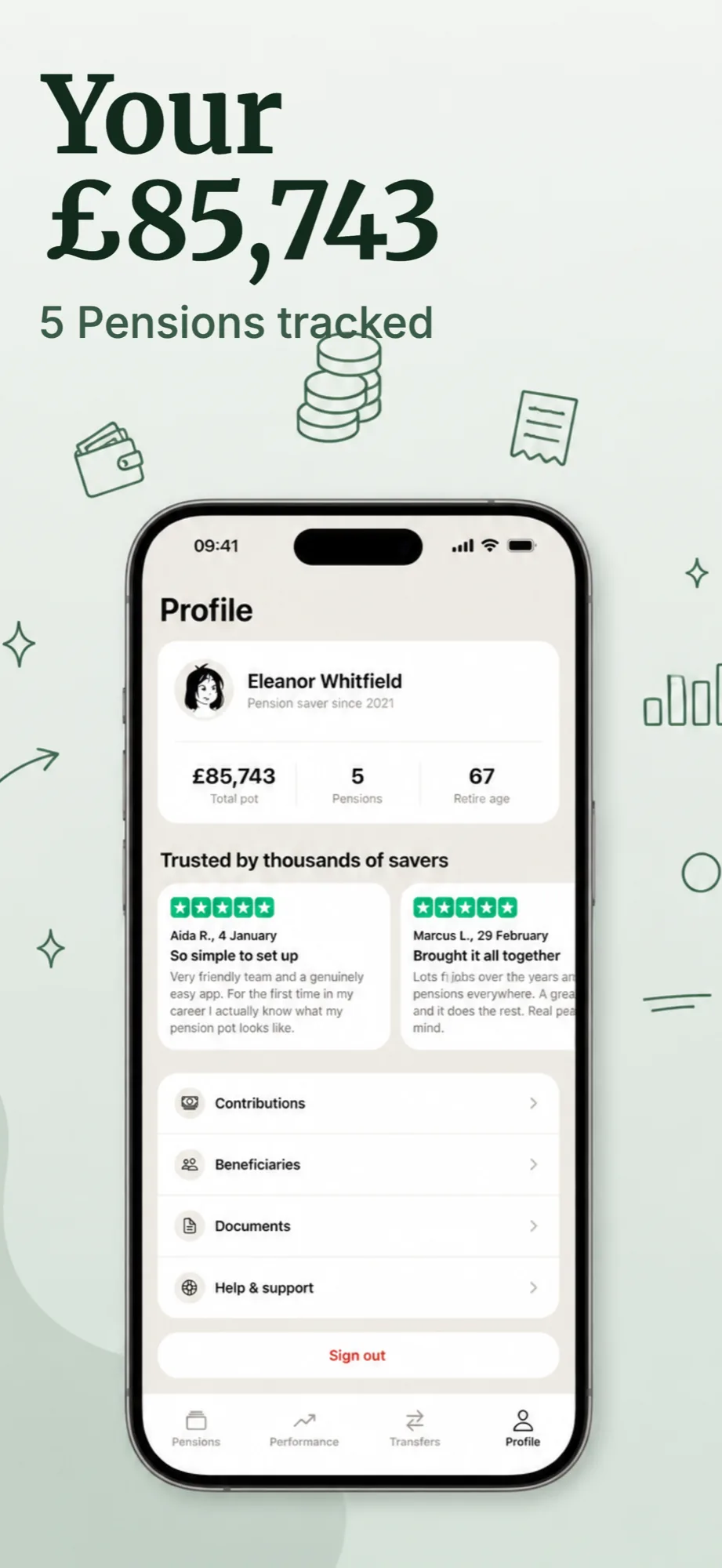
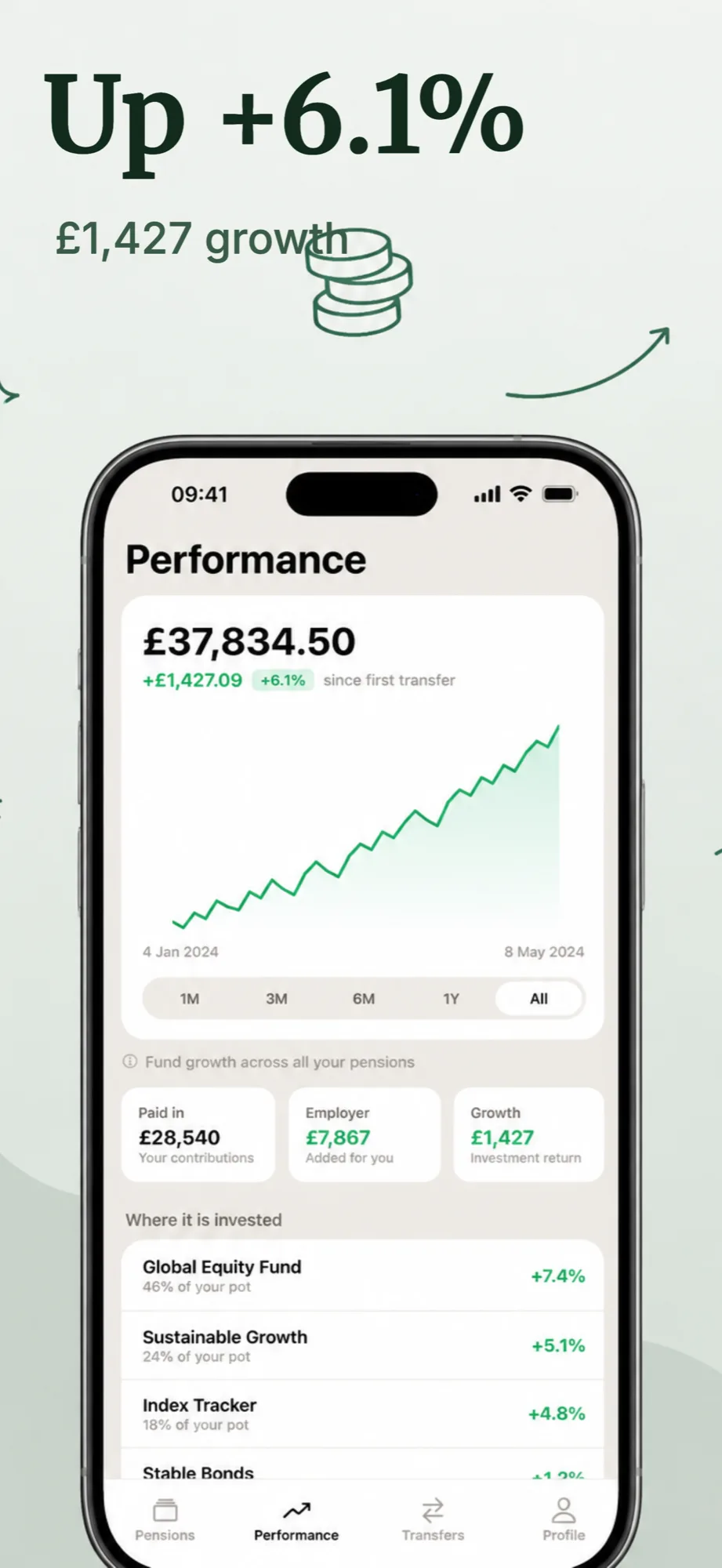
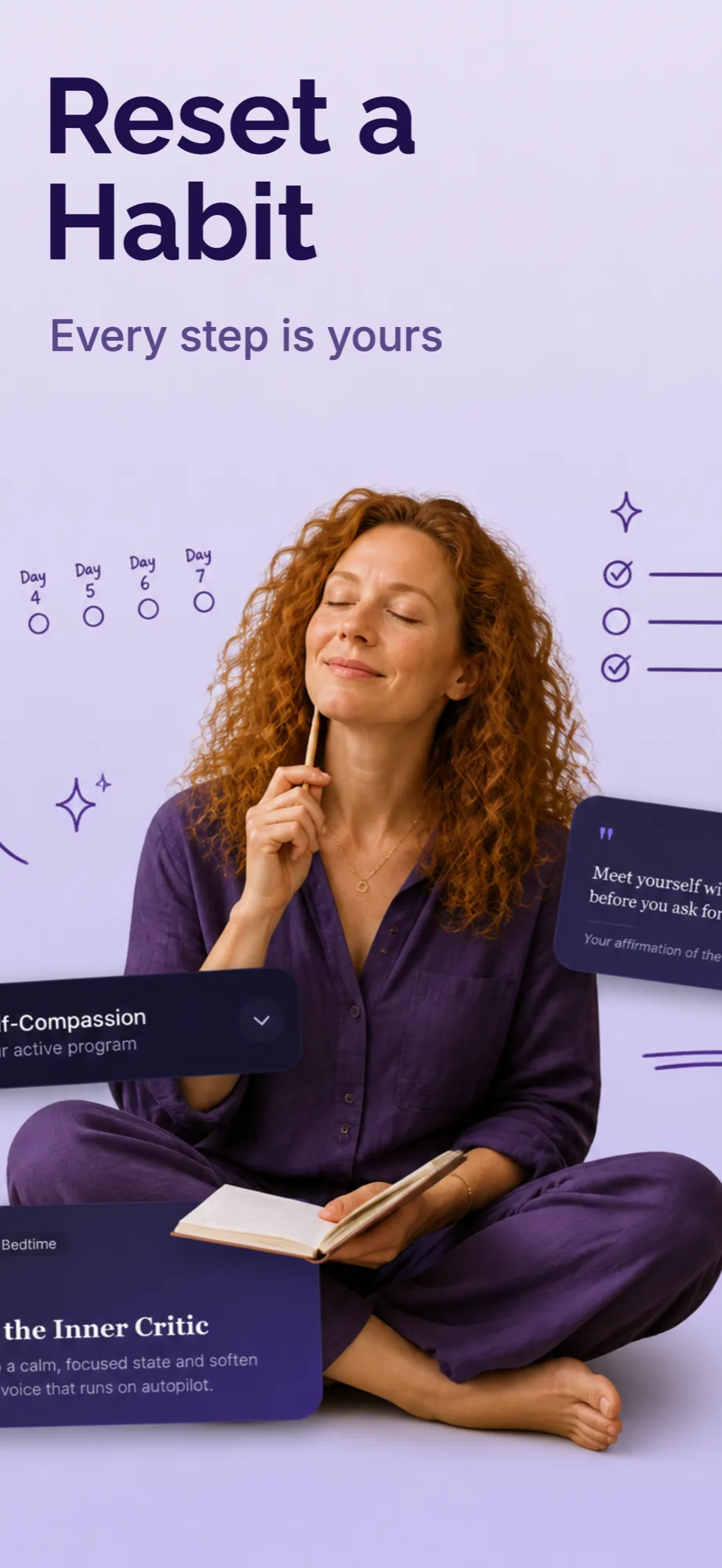
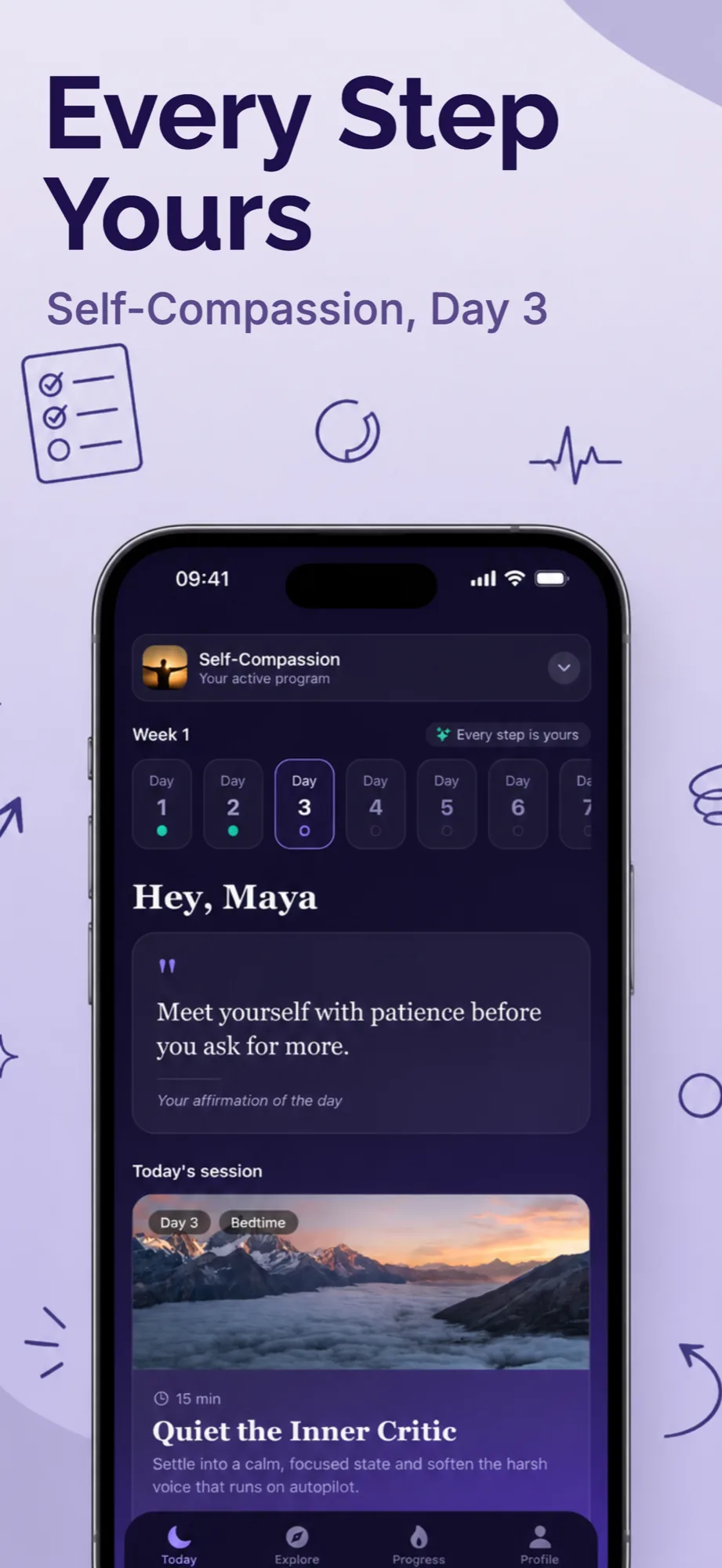
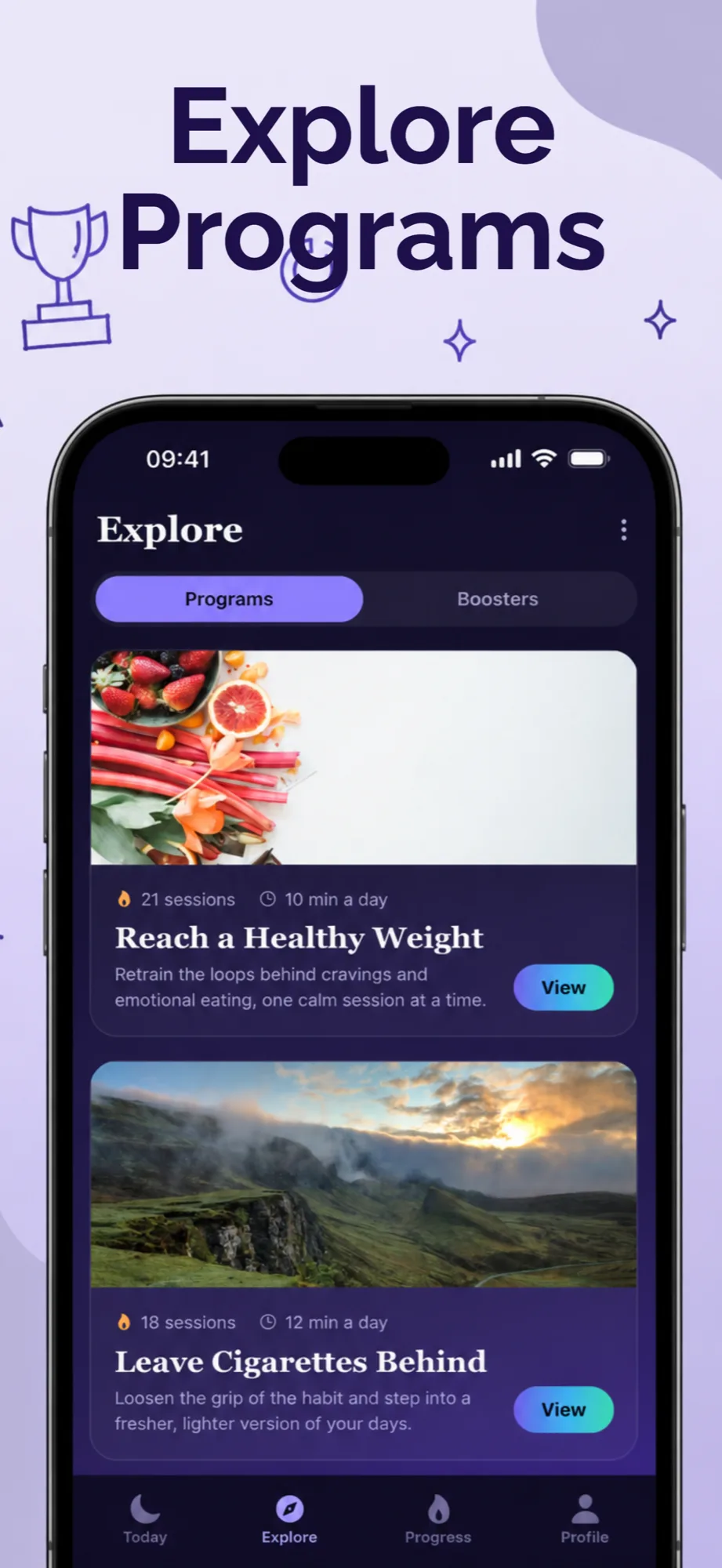
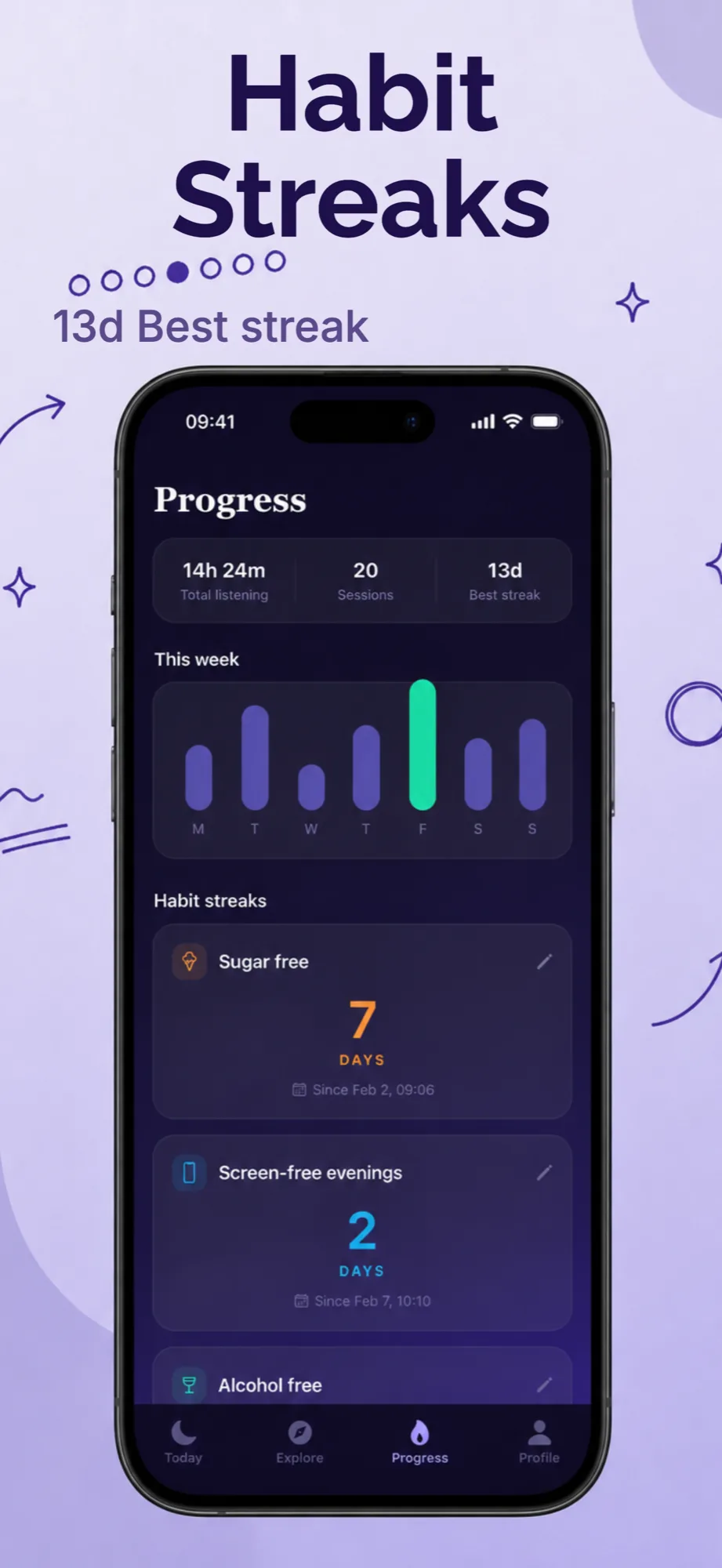
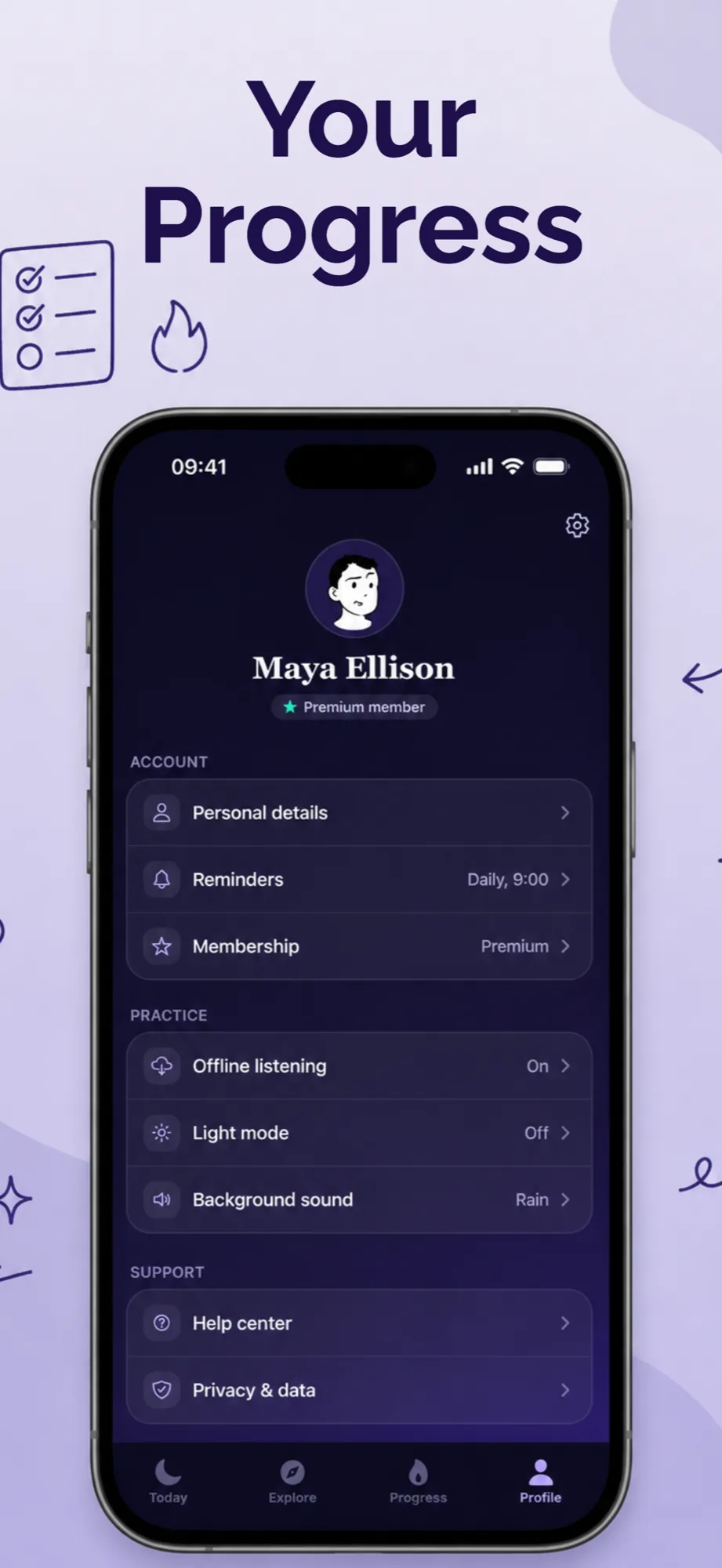

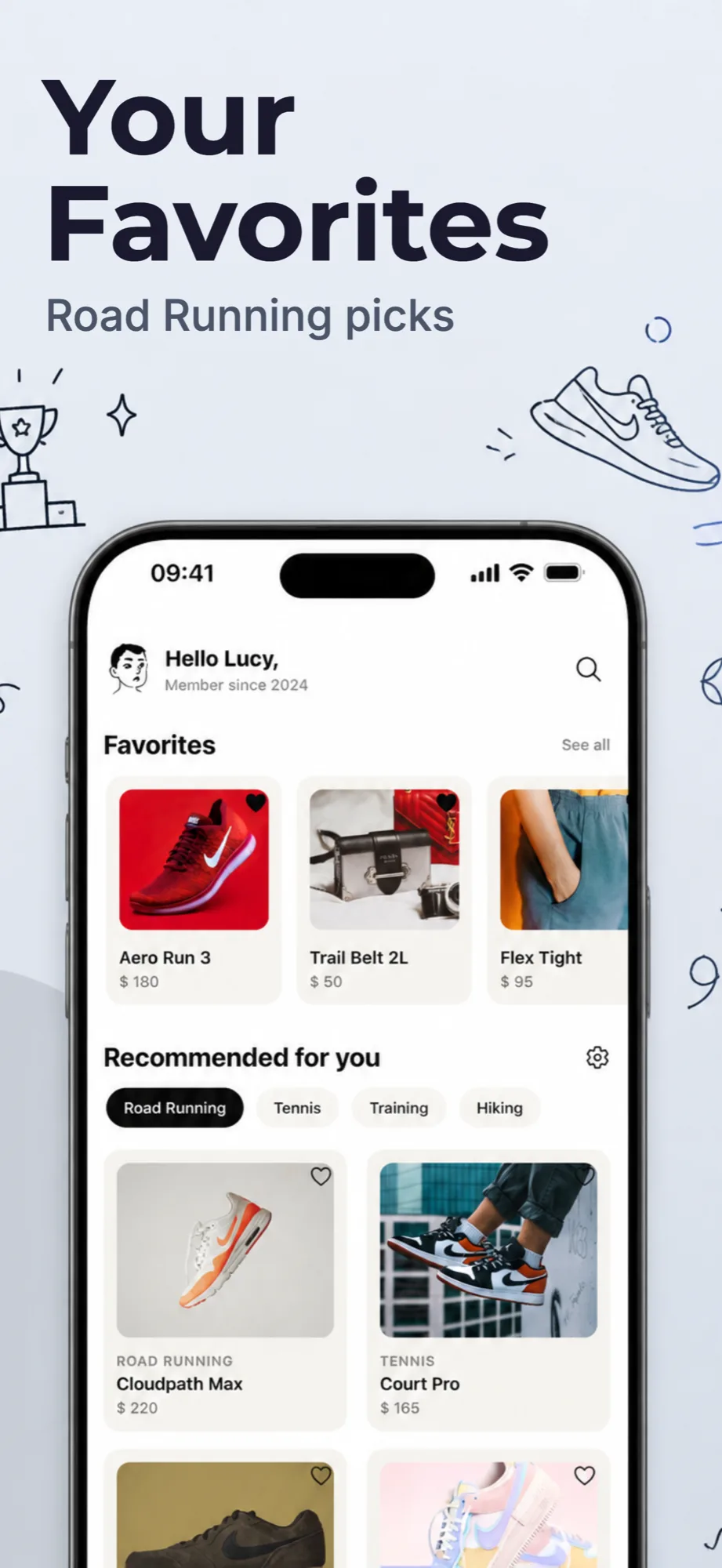
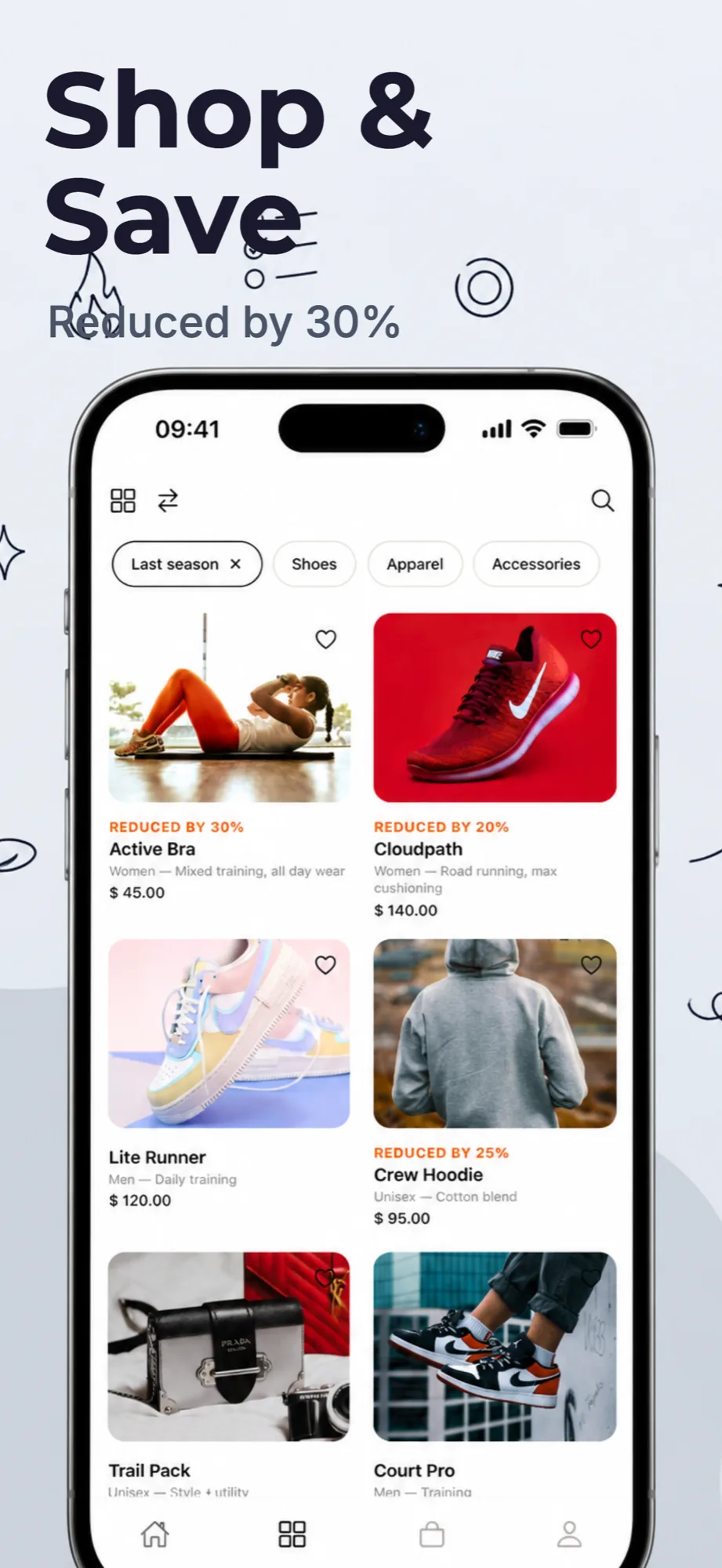
Precision on autopilot
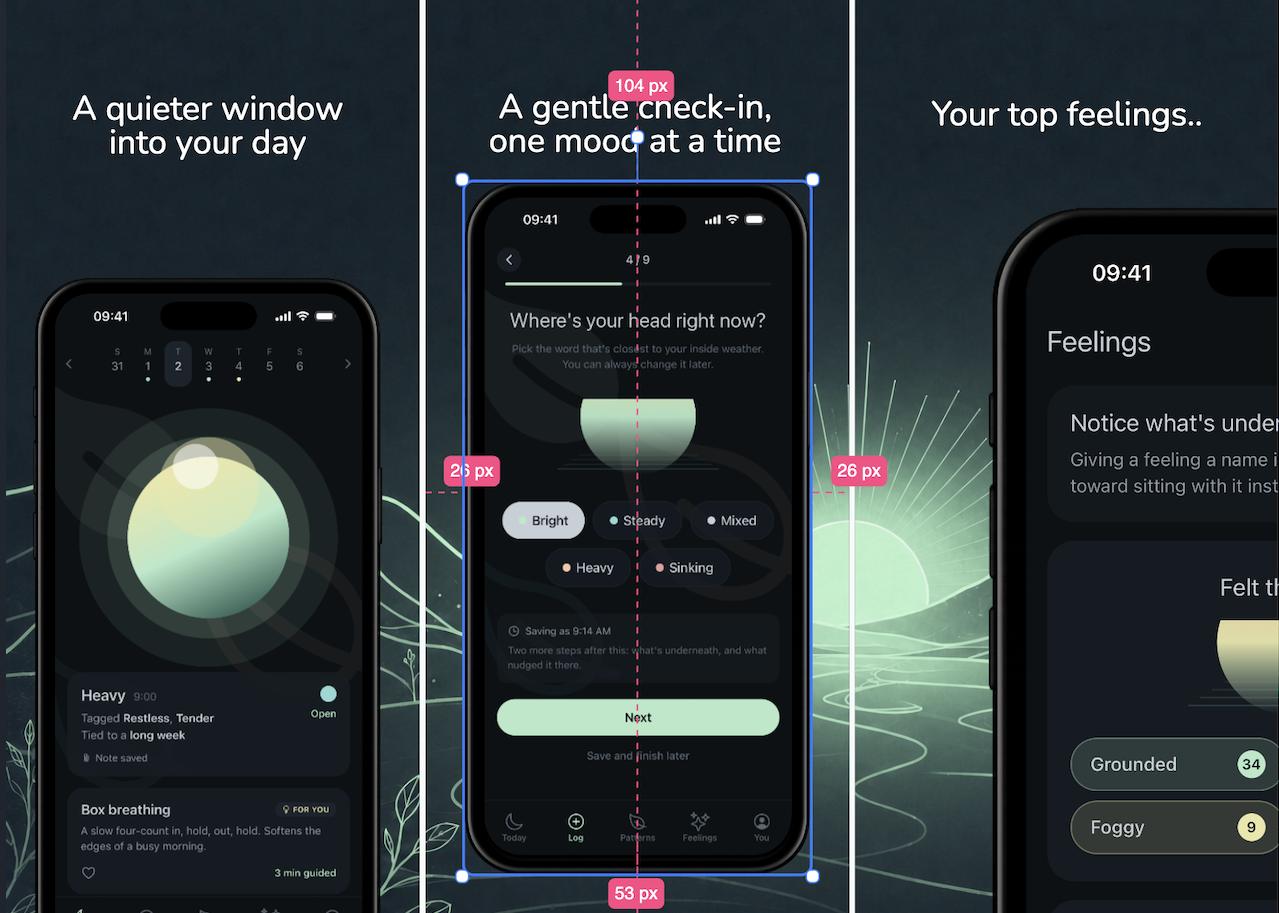
Place phone mockups, down to the pixel
Drop a device mockup on the canvas and drag it exactly where you want it. Smart guides snap to centers, edges, and even spacing, while live pixel readouts keep every screenshot deliberately precise.
Take the tour
See the editor in action
Watch how you design to build App Store screenshots, all on one canvas.
Move around the canvas
Drag, zoom, and edit your screenshots and devices
Built to evolve
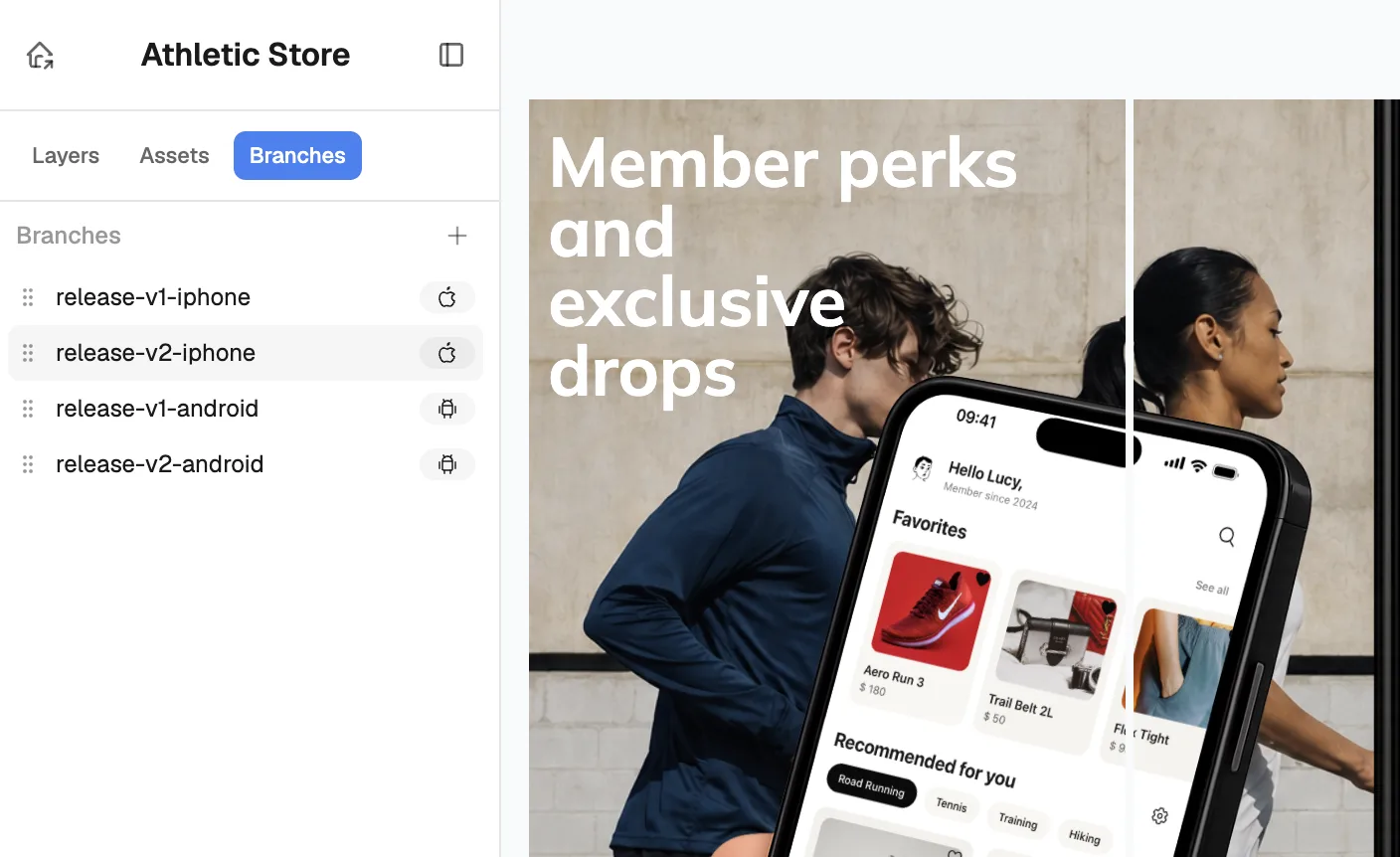
Every release of your mobile app gets its own branch
Push an update without starting over. Each version lives on its own branch, so you can revisit, tweak, and reship any release in seconds.
- A branch for every release
Old screenshots stay safe and untouched.
- Switch versions in one click
Hop between launch, holiday, and next.
- Test variants before you ship
Branch out and compare sets side by side.
Sell everywhere
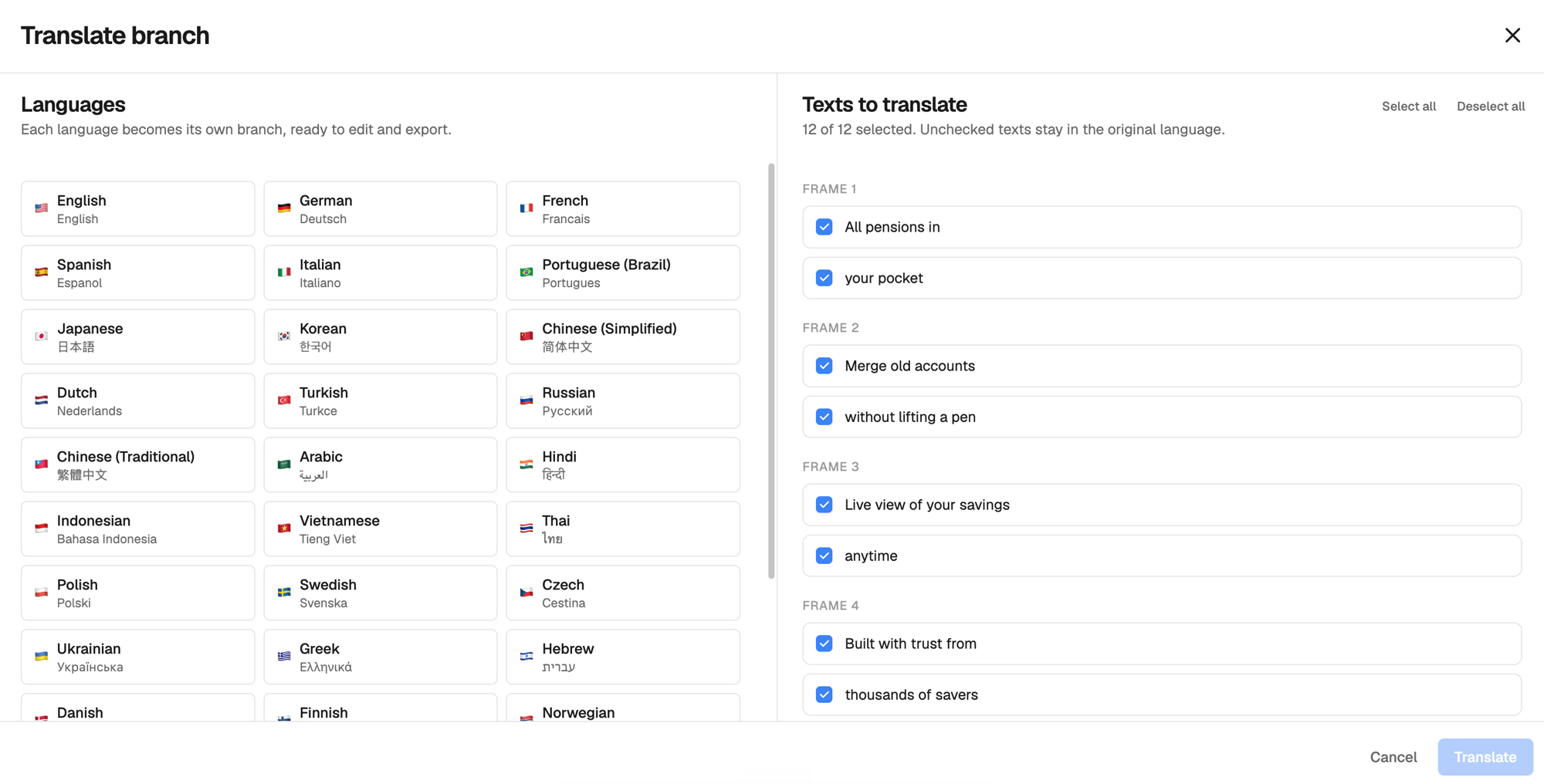
Translate your screenshots into every language
Localize a whole project in one move. Every caption gets translated, so your store listing reads native in every market.
- Translate the whole project
Every screen and caption in one pass.
- Up to 30 languages
Reach every store you publish to.
- Edit each language after
Fine-tune the wording anywhere.
- 2hLearn the store conventions
Research exact sizes, safe areas, and requirements for every device and store.
- 8hDesign every screen by hand
Build backdrops, headlines, and frames from scratch, then resize for every device.
- 4hTranslate every screenshot
Localize the captions for each market, by hand, in every language you ship.
- 6hCover both stores
Redo the whole set for the App Store and Google Play, iPhone and Android sizes.
Upload your screenshots, AI designs the set, export every size.
Count the hours
Save up to 20 hours on every project
Conventions to learn, screens to design by hand, captions to translate, two stores to size for. It all adds up. StoreScreenshot's AI turns those hours into a few minutes.
- Go from app done to store ready the same afternoon.
- No Figma, no translating by hand, no learning each store spec.
- Skip the designer you would otherwise pay hundreds for.
- Let AI design the whole set, ready for every device, store, and language.
- Spend the hours you save on your product, not on resizing exports.
Simple pricing
Pricing that scales with your app
Design everything for free. Buy a credit pack once to export clean, store-ready screenshots in every language. No subscription.
No card required.
- 5 AI screenshot credits
- Full studio editor
- Exports include a watermark
One-time purchase. No subscription.
- 50 AI screenshot credits
- 150 AI translation credits
- Watermark removed forever
Taxes calculated at checkout.
One-time purchase. No subscription.
- 120 AI screenshot credits
- 450 AI translation credits
- Watermark removed forever
Taxes calculated at checkout.
One-time purchase. No subscription.
- 300 AI screenshot credits
- 1500 AI translation credits
- Watermark removed forever
Taxes calculated at checkout.
From the founder
Built by a founder tired of losing hours to App Store screenshots
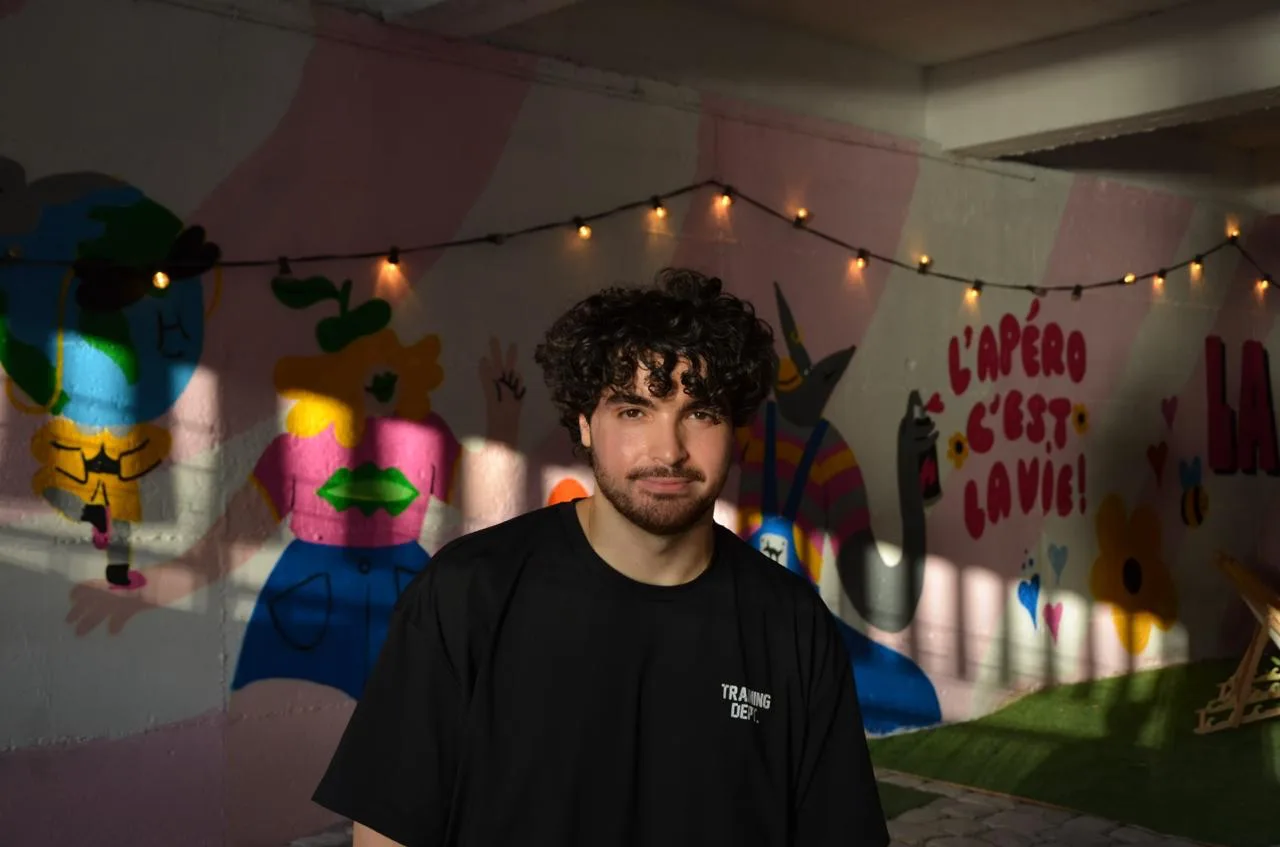
I'm a senior software engineer based in Paris. While spending years shipping apps, I learned one thing. Making beautiful App Store screenshots takes too much time, and developers would rather spend that time on their product.
So I made StoreScreenshot. It's fast, it looks great out of the box, and you ship polished store screenshots in a few minutes instead of fighting a design tool all afternoon.
Moussa Iskounene
Paris, France
Good to know
Frequently asked questions
Everything you need to know about designing your App Store screenshots.
What is StoreScreenshot?
StoreScreenshot is an AI app store screenshot generator. Upload a screenshot from your mobile app and it generates polished App Store screenshots with devices, backgrounds, and captions, ready to upload.
Can I try it before paying?
Yes. Create a free account and get 5 free screenshot credits to try the AI generator. After that you can buy credit packs and only pay for what you generate. No subscription.
Can I use my own app screenshots?
Yes, that is how it works. Upload a screenshot of your app and the generator places it in a device mockup and styles it into a finished store screenshot.
Read how to capture your app screenshotsWhat export formats are available?
Every format the stores accept. Exports are high-resolution PNGs at the exact sizes App Store Connect and the Google Play Console require, ready to upload.
See every supported screenshot sizeStart designing
Get 5 free credits to generate app store screenshots. Upload your app shots and turn them into polished, store-ready designs in minutes.
Add at least one screenshot of your mobile app (1 credit each)