Free tool
Free Google Play feature graphic maker
Every Google Play listing needs a 1024 x 500 px feature graphic before you can publish. Type your app name and tagline, add your icon and a screenshot, and download a PNG or JPEG that Play Console accepts. Free, and nothing leaves your browser.
Astra
Your daily horoscope, written for your sign
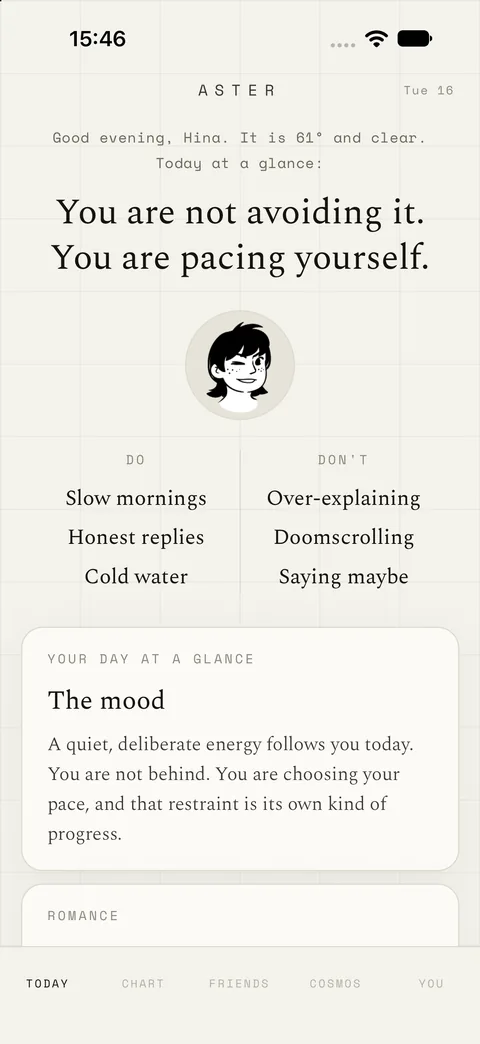
Text
App icon
Layout
Background
Format
1024 x 500 px, no transparency, ready for Play Console.
How to make a Google Play feature graphic
- Step 1
Write your name and tagline
Keep the tagline short, so it stays readable when Google Play shows the graphic small.
- Step 2
Add your icon and a screenshot
The screenshot sits in an Android phone. Pick a layout and a background color.
- Step 3
Download and upload
Save a 1024 x 500 PNG or JPEG with no transparency, then upload it in Play Console under Main store listing.
#Frequently asked questions
Other free tools
Now make your app store screenshots
Add headlines and backgrounds, translate every caption, and export every App Store and Google Play size. Start free.
Create app store screenshots