Free tool
Free iPhone mockup generator
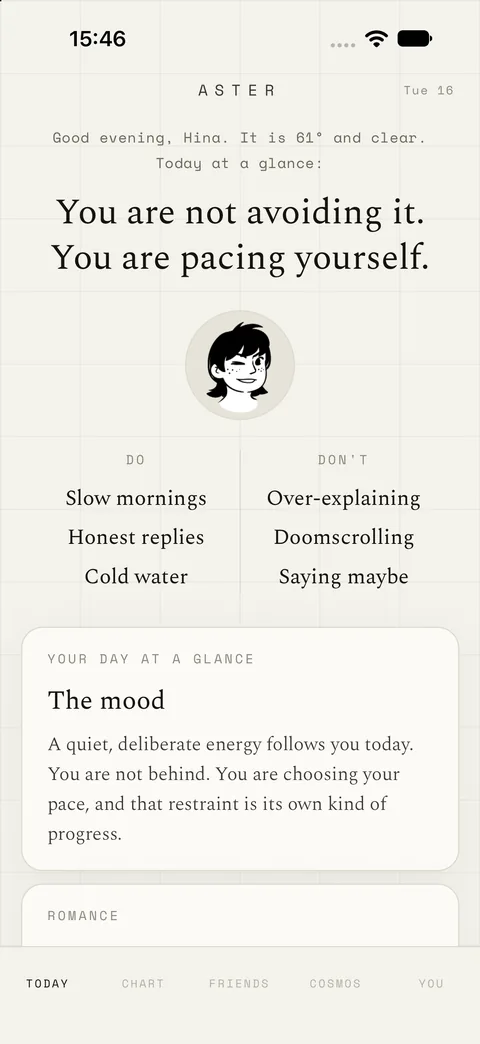
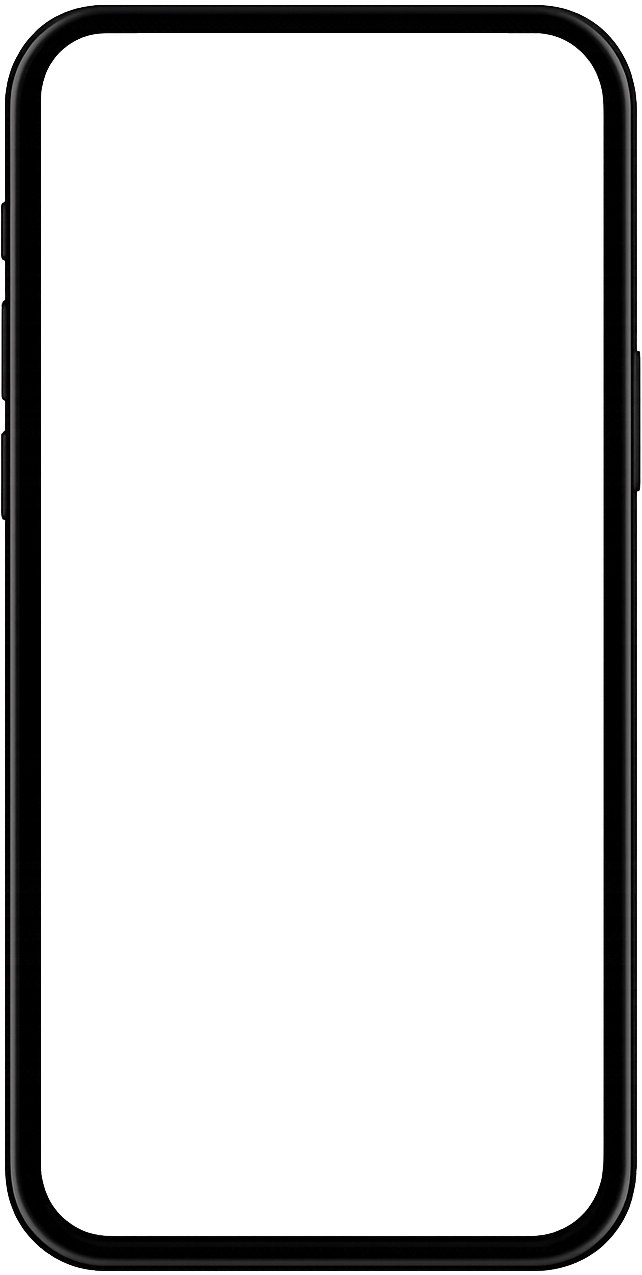
Turn any app screenshot into a clean iPhone mockup PNG in seconds. Flat or angled frames, a transparent background, no signup, and your screenshot never leaves your browser.
Frame
Background
Size
About 1040 px tall.
How to make an iPhone mockup
- Step 1
Add your screenshot
Drop it on the page, paste it, or choose a file. PNG, JPG, and WebP all work.
- Step 2
Pick a frame and a background
Choose the flat iPhone or an angled one, then a transparent, white, or black background.
- Step 3
Download the PNG
Pick a size and save your iPhone mockup. No signup, no watermark, no limit.
#Frequently asked questions
Other free tools
Now make your app store screenshots
Add headlines and backgrounds, translate every caption, and export every App Store and Google Play size. Start free.
Create app store screenshots