v0.321
Translate your app store screenshots into 30 languages
Pick the languages you sell in and get a translated copy of your whole screenshot set, without leaving the studio.
What changed
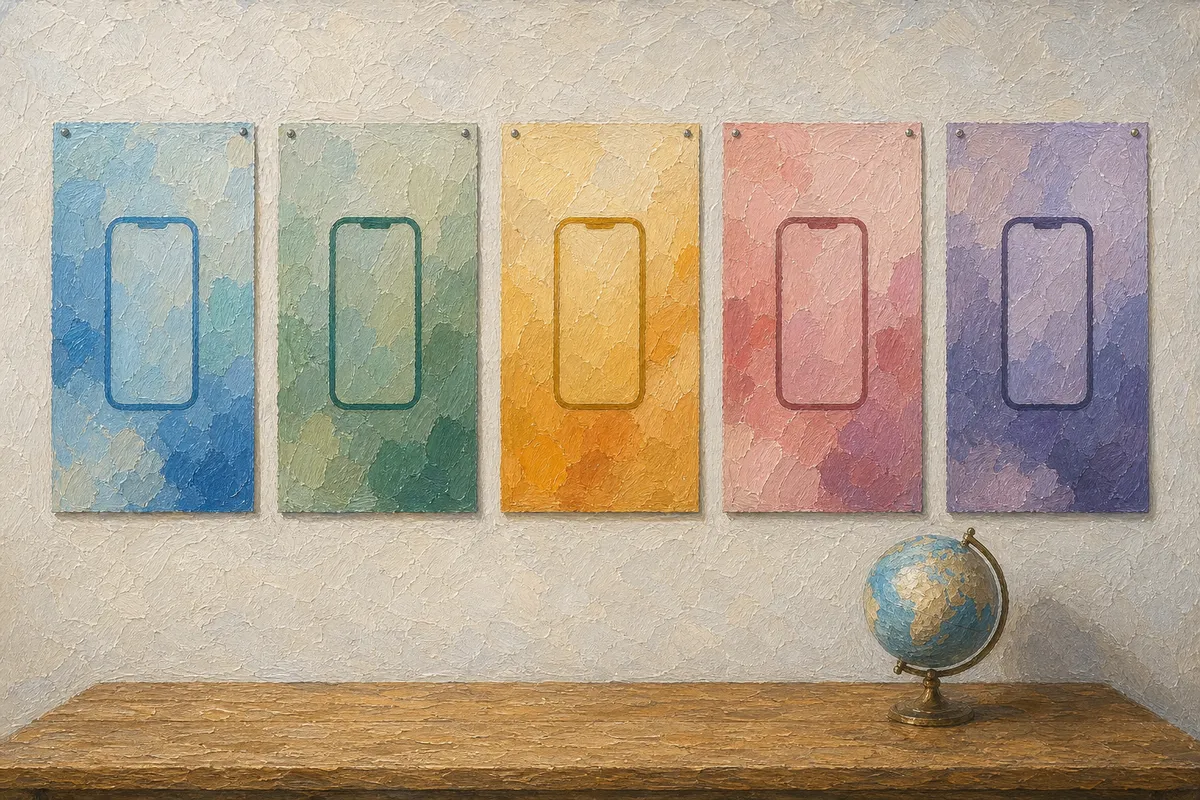
Localized screenshots help your app convert in every country you sell in. You can now translate a whole set in one run, in up to 30 languages.
Each language becomes its own branch. The layout, fonts, and screenshots are copied, and every headline is translated to fit its text box.
How it works
Translated branches are normal branches. You can still adjust any headline by hand before you export.
- Open the branch you already designed and choose Translate branch.
- Pick your target languages and uncheck any text that should stay as it is.
- Review each translated branch, then export.