v1.5
Varied device placements on AI app store screenshots
AI generated sets no longer repeat the same centered phone. Each screenshot now gets its own device size, angle, and tilt.
What changed
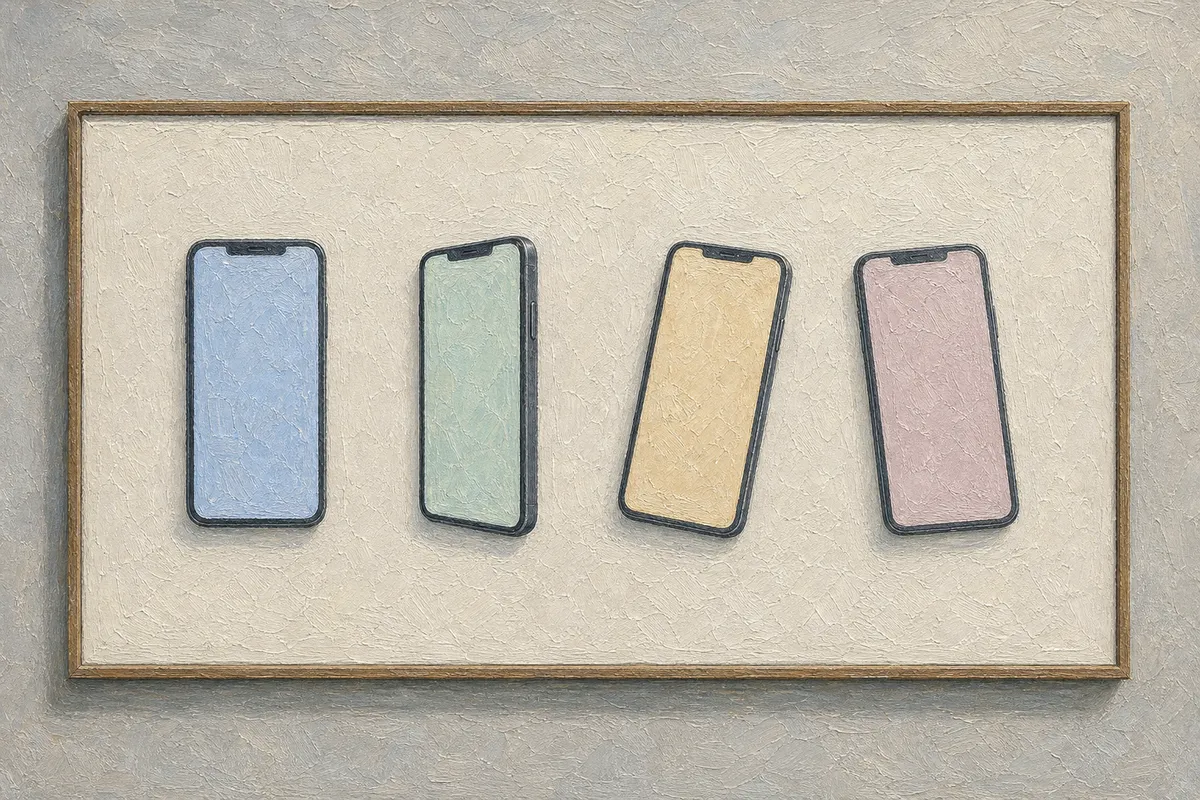
When you generate app store screenshots with AI, every frame used to show the same flat phone, centered, at the same size. The set looked tidy but repetitive.
Each frame now draws its own placement, so the set has rhythm from the first screenshot to the last.
- Large: a flat phone almost as wide as the frame, running off the bottom edge
- Angled: a phone in light perspective, turned to the left or to the right
- Tilted: a phone in perspective, leaning to one side
- Rotated: a flat phone turned by a few degrees
Random, with rules
The first screenshot always opens with a large device, the same placement never appears twice in a row, and the rotated phone shows up once per set at most.
Size and position also shift slightly from frame to frame, so two generations never look the same.
Still fully editable
Every device is a regular studio layer. Move it, resize it, rotate it, or swap it for another device at any time.