AI app store screenshot generator
Upload the raw screenshots of your app and describe it in one line. The generator writes the captions, picks one art direction for the whole gallery, and places your real screens in device mockups. You get an editable project, not a flat image.
Start for freeOne art direction for the gallery
Every frame shares the same colors and shapes, so the set reads as one story on the store page instead of five unrelated posters.
Captions written for your app
Claude reads your screenshots and writes a short headline for each frame, based on what the screen actually shows.
Your real screens, fully editable
The result opens in the studio with your own screenshots in real device mockups. Change any word, color, or position before you export.
How the AI generator works
- Step 1
Upload your screenshots
Drop the raw captures of your app, straight from the simulator or your phone, and add one line about what the app does.
- Step 2
Let the AI design the set
The generator writes the copy, paints the backgrounds, and places each screenshot in a device, one frame per screenshot.
- Step 3
Edit and export
Fine tune anything in the studio, then export every App Store and Google Play size in one click.
#More features
Screenshot editor
A design canvas made for store screenshots
Learn more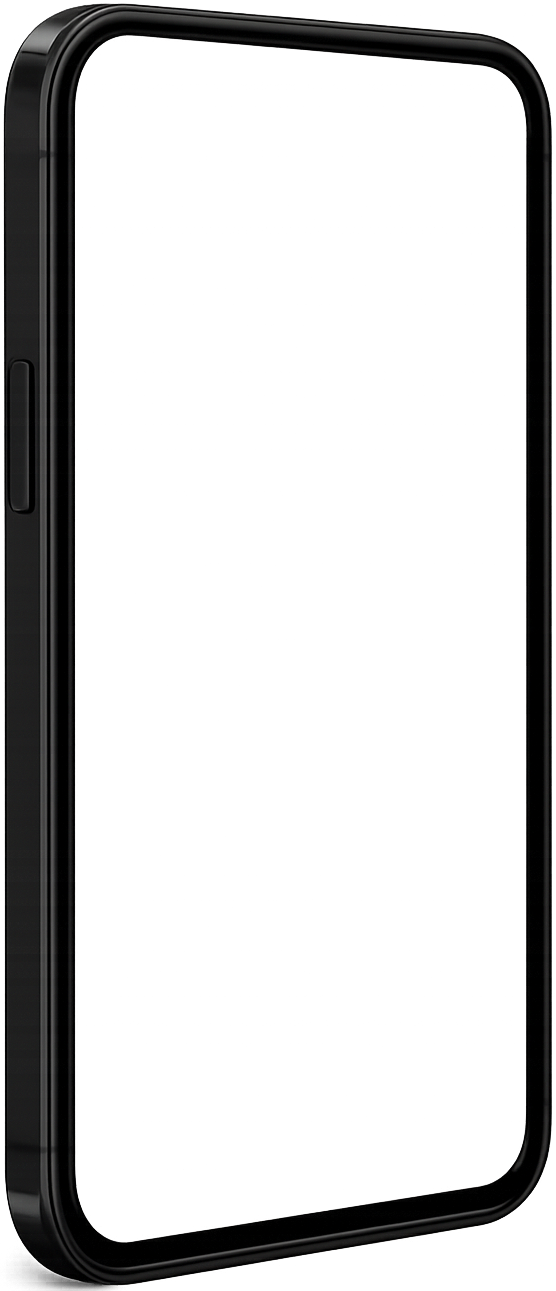
Device mockups
Flat and angled iPhone and Android frames
Learn more
Callouts
Zoom in on the part of the screen that sells
Learn more
Translation
Every caption in up to 30 languages at once
Learn moreBranches
Try new directions without losing your work
Learn more

iPhone to Android
Turn your App Store set into a Google Play set
Learn more
Store-ready export
Exact App Store and Google Play sizes
Learn moreGenerate your app store screenshots
Free to start, no design skills needed.