An app store screenshot editor that runs in your browser
The studio is a design canvas built only for store screenshots. Every frame already has the right ratio, devices snap in place, and text stays sharp at every export size. No Figma file to set up and no template to fight.
Start for freeText, shapes, and images
Add headlines with any Google Font, draw shapes for backgrounds, and drop in logos or badges. Everything stays a separate, editable layer.
All frames side by side
See the whole gallery at once, the way people scroll it on the store, and keep the spacing and copy consistent from one frame to the next.
Free to design
The full editor, every device, and unlimited projects are free. You only pay for AI work and for exports without the watermark.
How to design screenshots in the editor
- Step 1
Start a project
Begin from an AI generated gallery or from empty frames for iPhone or Android.
- Step 2
Place your screens
Drop a device on a frame, add your screenshot, then write the headline and style the background.
- Step 3
Export when it looks right
Pick the store and the size, and download every frame at the exact pixels the store asks for.
#More features

AI screenshot generator
From raw captures to a full store gallery
Learn more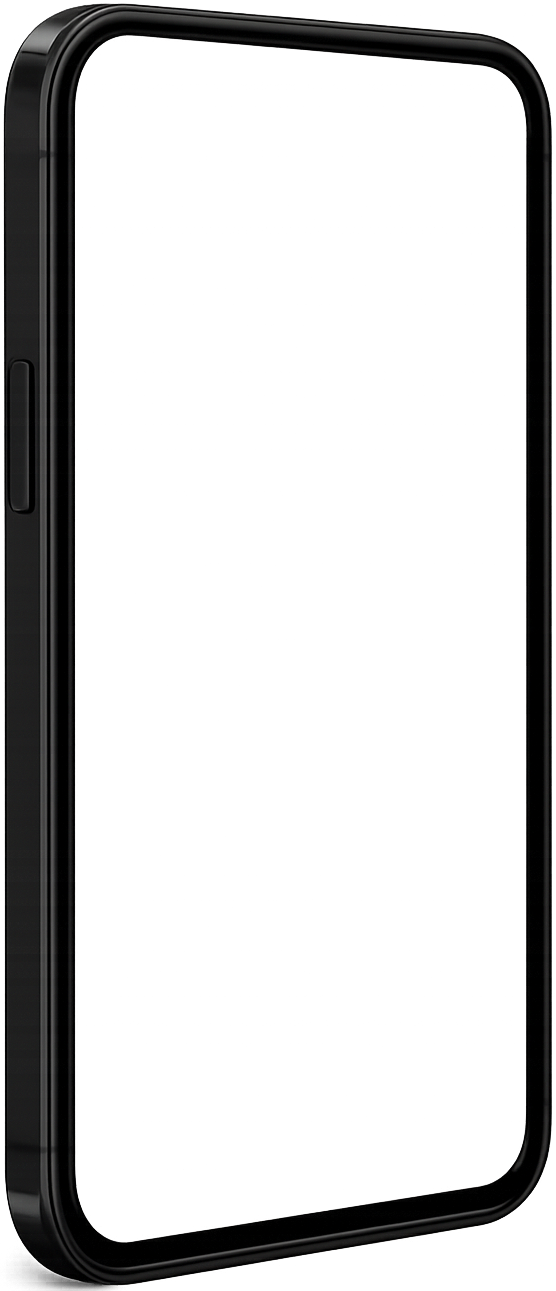
Device mockups
Flat and angled iPhone and Android frames
Learn more
Callouts
Zoom in on the part of the screen that sells
Learn more
Translation
Every caption in up to 30 languages at once
Learn moreBranches
Try new directions without losing your work
Learn more

iPhone to Android
Turn your App Store set into a Google Play set
Learn more

Store-ready export
Exact App Store and Google Play sizes
Learn moreGenerate your app store screenshots
Free to start, no design skills needed.