Translate your app store screenshots into 30 languages
Pick the languages, uncheck the words that should stay as they are, and translate the whole set in one run. Each language becomes its own copy of your design, ready to adjust and export for that store listing.
Start for freeUp to 30 languages per run
German, Japanese, Brazilian Portuguese, Arabic, Korean, and more. One run covers every language you pick.
One editable set per language
Each language gets its own version of the gallery, so you can shorten a long German headline without touching the English one.
Keep what should not change
Uncheck your app name or any brand word before you translate, and it stays the same in every language.
How to translate your screenshots
- Step 1
Open Translate
From the branches panel of your project, open Translate on the branch you want to localize.
- Step 2
Pick the languages
Select up to 30 languages and uncheck any text that should stay untranslated.
- Step 3
Review and export
Open each language, fix anything that runs long, and export it for that store listing.
#More features

AI screenshot generator
From raw captures to a full store gallery
Learn moreScreenshot editor
A design canvas made for store screenshots
Learn more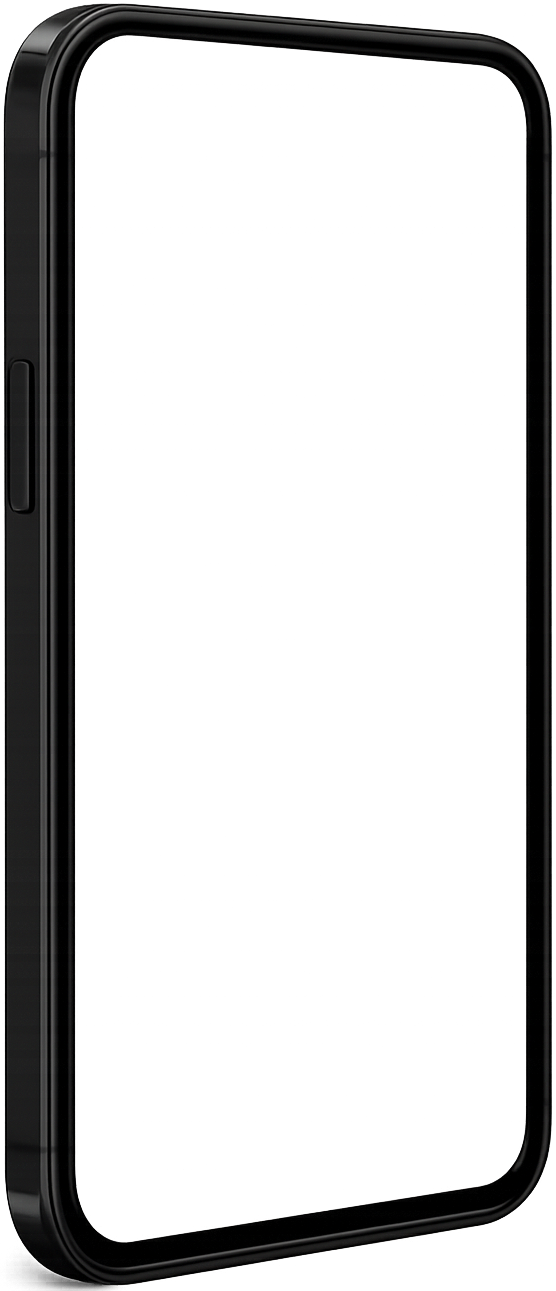
Device mockups
Flat and angled iPhone and Android frames
Learn more
Callouts
Zoom in on the part of the screen that sells
Learn moreBranches
Try new directions without losing your work
Learn more

iPhone to Android
Turn your App Store set into a Google Play set
Learn more
Store-ready export
Exact App Store and Google Play sizes
Learn moreGenerate your app store screenshots
Free to start, no design skills needed.